MHK10 requires canvas support. Use Help for controls.

Starting MHK10…

Welcome to MHK10

Controls for the interactive desktop.

Explore and windows
Double-click an icon, or select it and press Enter. Ctrl+Esc opens Start. F10 selects the application menu bar. Drag a title bar to move a window. Double-click a title bar to maximize or restore. Ctrl+F4 closes the active window. Escape dismisses menus. Ctrl+Tab switches windows. Ctrl+Shift+Esc opens Task Manager. Alt+F2 opens Run. Ctrl+Alt+D shows or restores the desktop.
Files
Double-click or Enter opens the selected item. F2 renames a file. Delete moves it to Recycle Bin. File > New creates a document in the current folder. Notepad saves changes to My Documents. File > Export creates a copy you can keep. Alt+Left / Right: history. Alt+Up: parent folder. Ctrl+Shift+N: new folder. Ctrl+C / X / V: copy, cut, paste.
Keyboard
Click the desktop first. Tab moves to the monitor controls. Keyboard opens a text field for composing and inserting text into the active application.
Display
Pixel scale keeps pixels evenly sized. Turn it off to fill the available browser area. CRT toggles scanlines. Display Properties changes the desktop theme.
Sound
The speaker beside the clock opens Volume Control. Audio starts after your first click or key press.
Touch
Double-tap to open, or select an icon and use Open / Enter. Zoom offers Fit, 100% and 200%. Pan moves around a magnified desktop. Right click applies to the next tap.
Privacy
Properties Contact opens the Privacy article. Reader Discussion opens a themed GitHub Discussions window. Desktop settings, files and notes stay in this browser until you clear site data.
Mobile keyboard
Select a text field, open Keyboard, compose your text and choose Insert text. Enter / Send sends a chat message or adds a diary line.
我来,我见,我征服——AdventureX 2026 杭州行

我来,我见,我征服——AdventureX 2026 杭州行

Essay · Updated 2026-10-10

我很少写随笔,很少自己写一点较长的、不用于考试的文字。如果你觉得我写得很破碎和没有逻辑,这是对的喵。

ALBUM

这是一篇包含 44 张照片的游记。点击照片可在 MHK10 的 ACDSee 中查看、缩放和切换图片,也可以通过原图入口打开源文件。图注与拍摄时间记录的是 2026 年 7 月的杭州行。

序章 · 一条消息

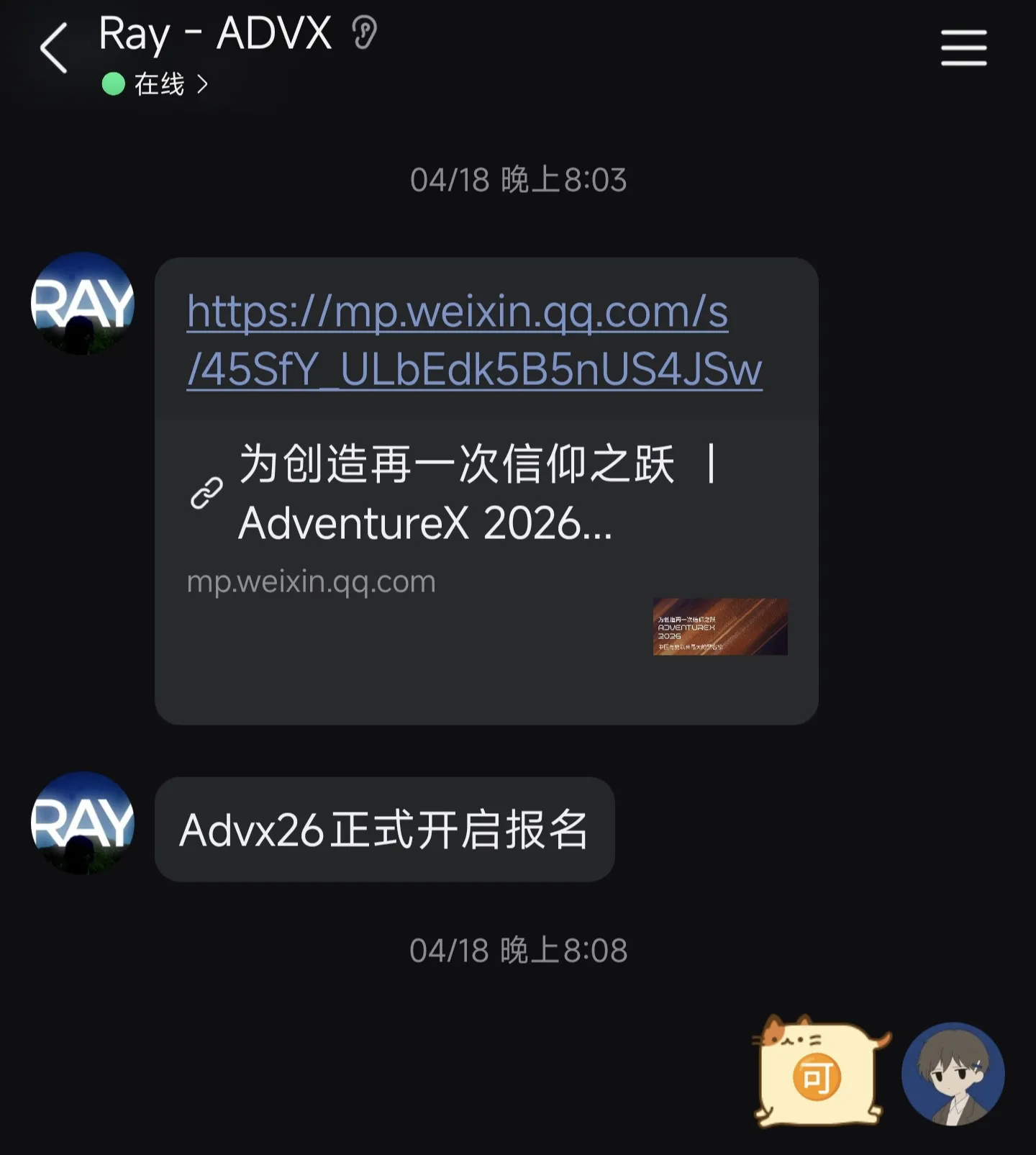
AdventureX 2026 是我的朋友 Ray 路人甲告知我的。他在 Advx 25 的活动后加入了 Advx Vision Team——毫无疑问,他是我很敬佩的一位设计师。当时的他只有 12 岁,年轻有为近在眼前。

Ray 发来的聊天消息:AdventureX 2026 公众号推文链接,以及一句「Advx26 正式开启报名」
在开启报名的第一天,Ray 老师给我了一条消息

届时我正处于高一的生活当中。我转到了学校的另外一种班型,还没有完全适应这样的转换,甚至感到自卑——在这里,大多数人的学业都比我有建树得多。然而在南昌,很少有人,尤其是在大学以下的阶段,能遇到做技术、或者说有一些这方面积累的朋友。这可能是地域的限制,也使得我长期以来都有种找不到同类的感觉,无法从中获得“优越感”。

虽然并不想承认——因为我总觉得自己是比较特殊的人,至少比别人更特别些许,或许更有能力之类的自命不凡——当下可以说是“豪情在天”。

我看见机会,随即加入这场“为创造再一次信仰之跃”的疯狂当中。

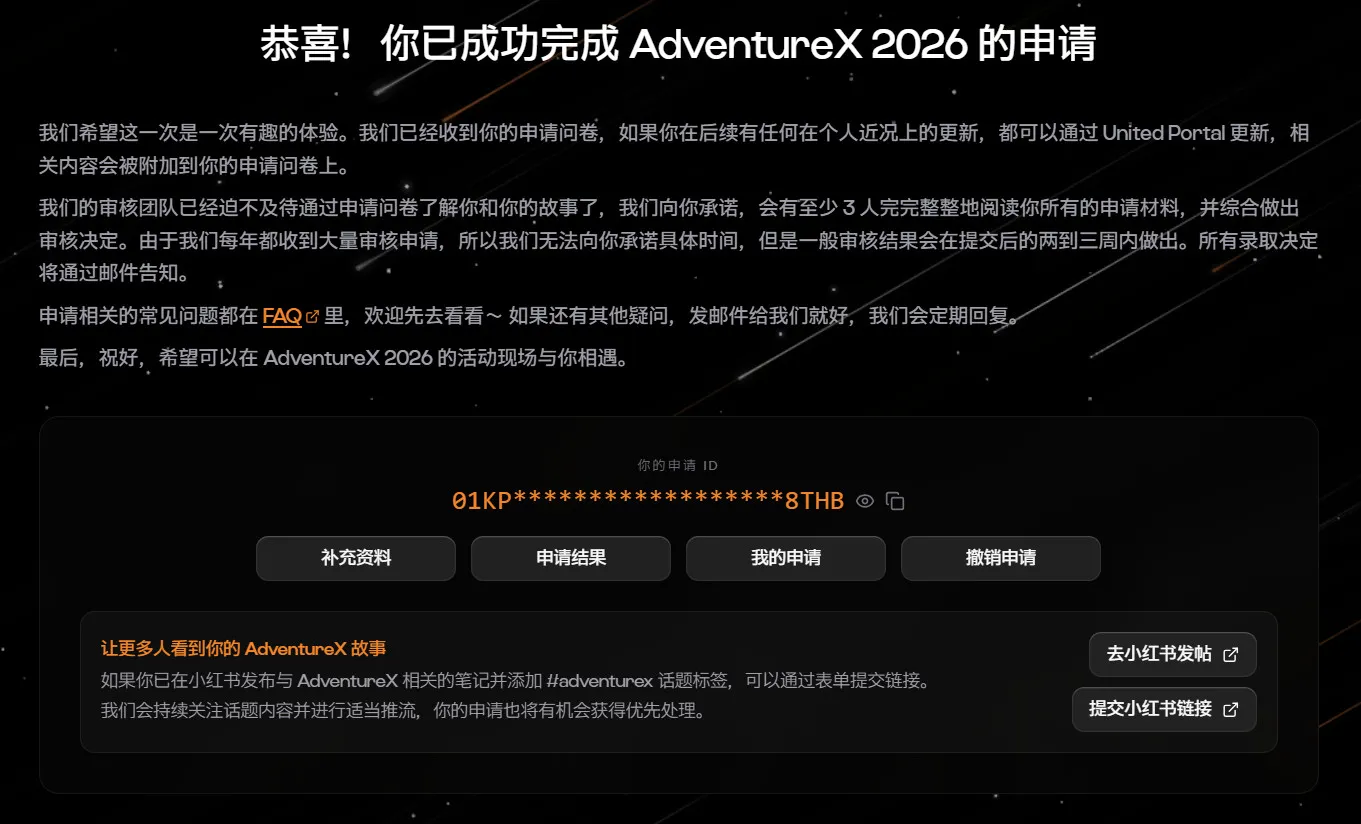
AdventureX 2026 申请完成页面:恭喜!你已成功完成 AdventureX 2026 的申请
填写完申请之后

AdventureX 2026 的申请问卷带给人一种“追求独特的人”的渴望。我没有见过哪份申请问卷里,包含着期待你与他们的团队保持同样激情的愿望。我没有用 AI,就这么填完了这份申请:把过往那些不足道的事情写进去,刻意渲染自己的独特,去适应他们的风格。这或许是应试的习惯?

在后续两个月里,我没再想起这件事。学业压力很大,很累,每天都在熬着。我很难始终保持激情给所有事情,哪怕是我目前最喜欢的事情。

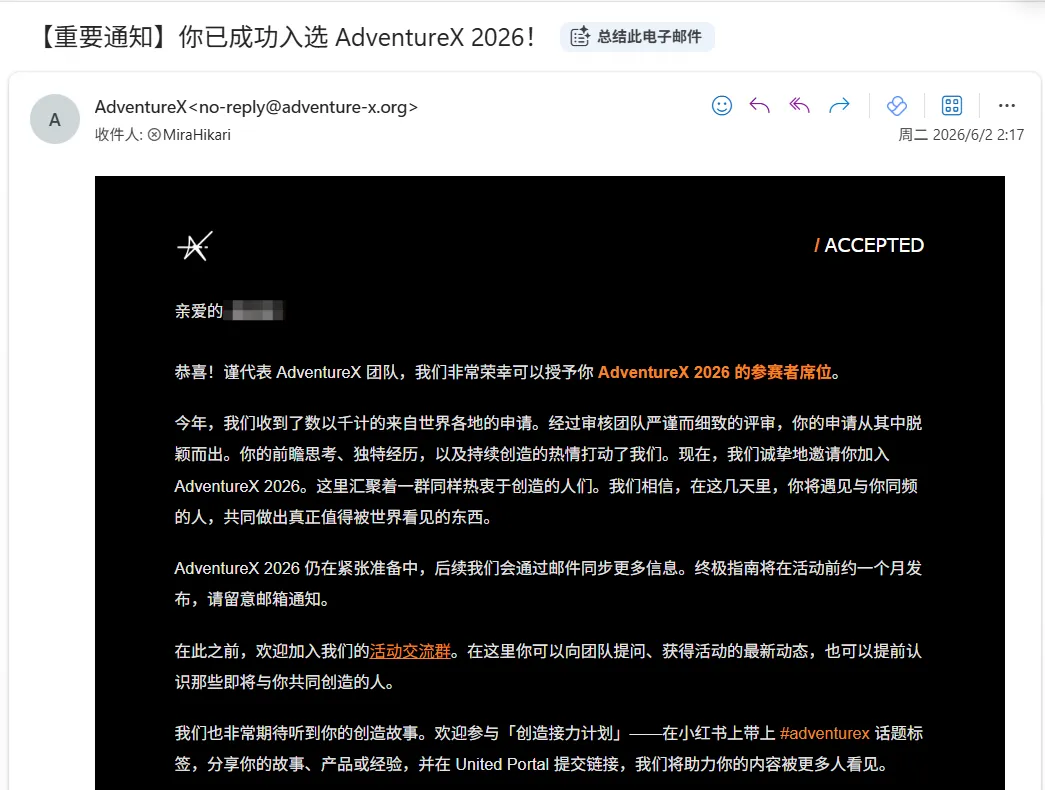
AdventureX 发来的录取邮件:/ACCEPTED,你已成功入选 AdventureX 2026
2026.6.2 · 那封邮件
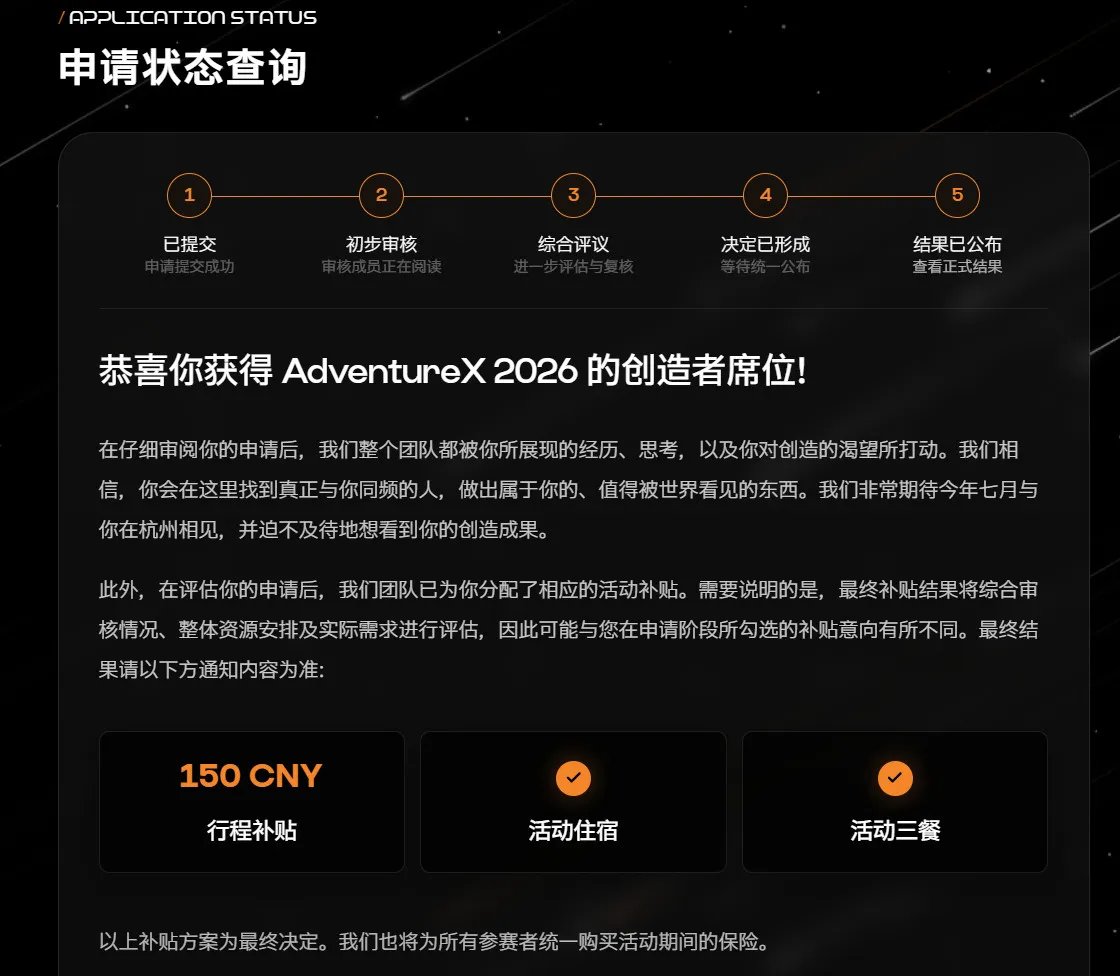
申请状态查询页:恭喜你获得 AdventureX 2026 的创造者席位,行程补贴 150 CNY、活动住宿、活动三餐
创造者席位 · 还有 150 块行程补贴

2026.6.2,我收到了这封邮件。其实挺高兴的——或许去了之后,会有很多认可到来,正是我渴望的呢?

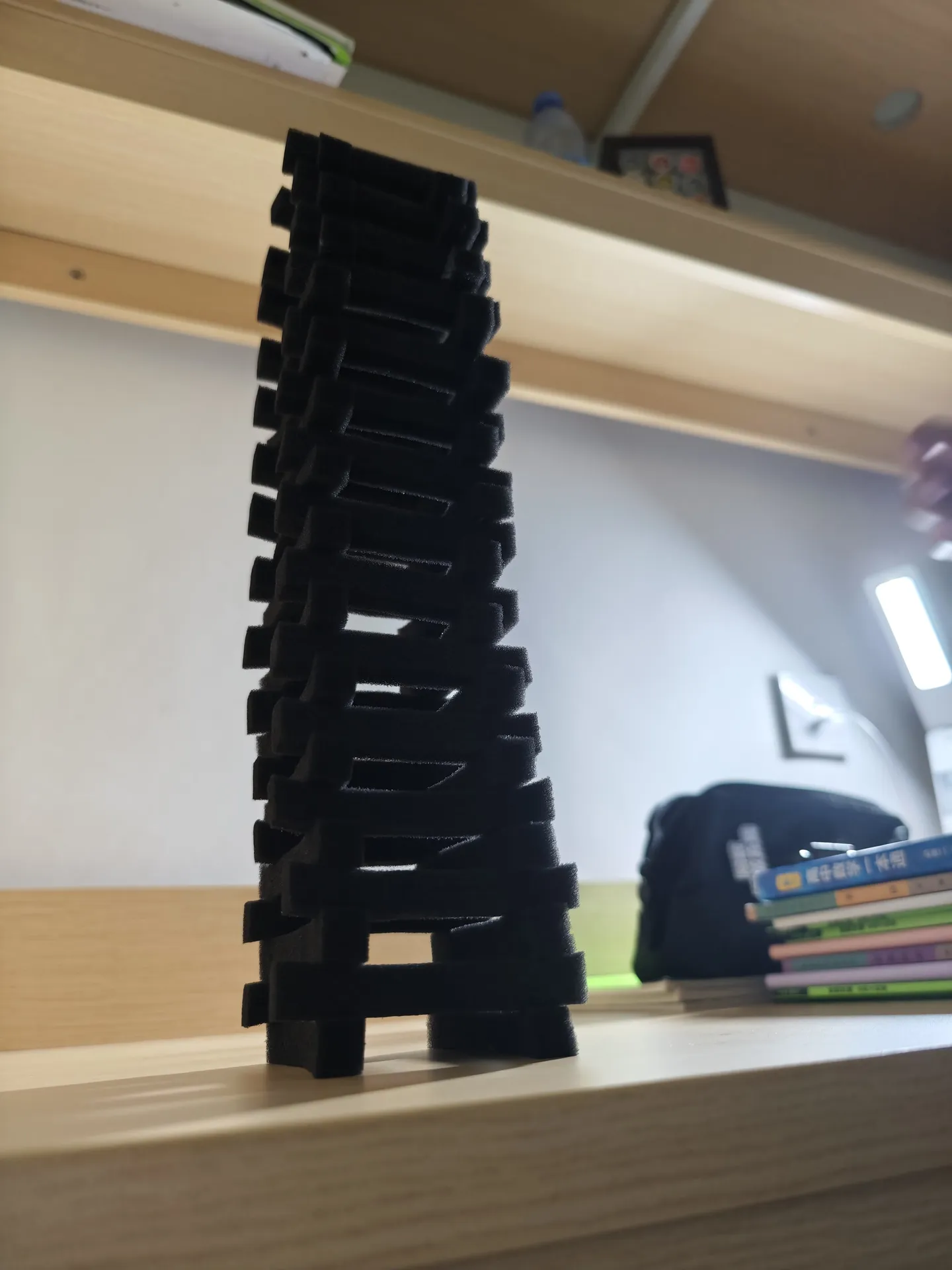
宿舍书桌上用泡沫块搭起来的一座歪歪扭扭的塔
宿舍里无聊搭的神秘建筑物

度过几个月的学习,期末考试考了个还可以的成绩。那我们开始吧:Advx 26, and my Hangzhou Trip.

7.20 · 南昌到杭州

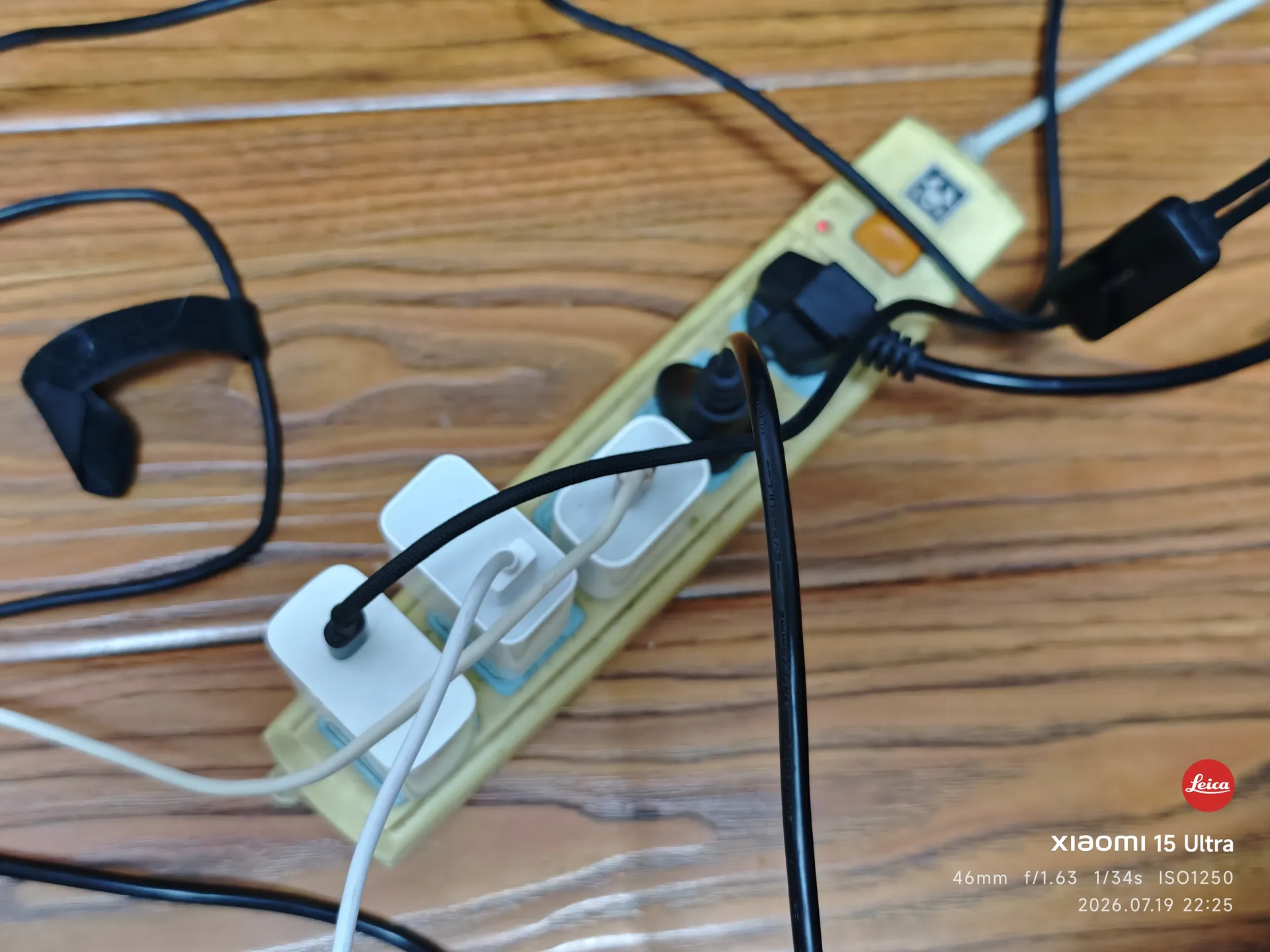
插线板上插满了正在充电的设备
行前补电
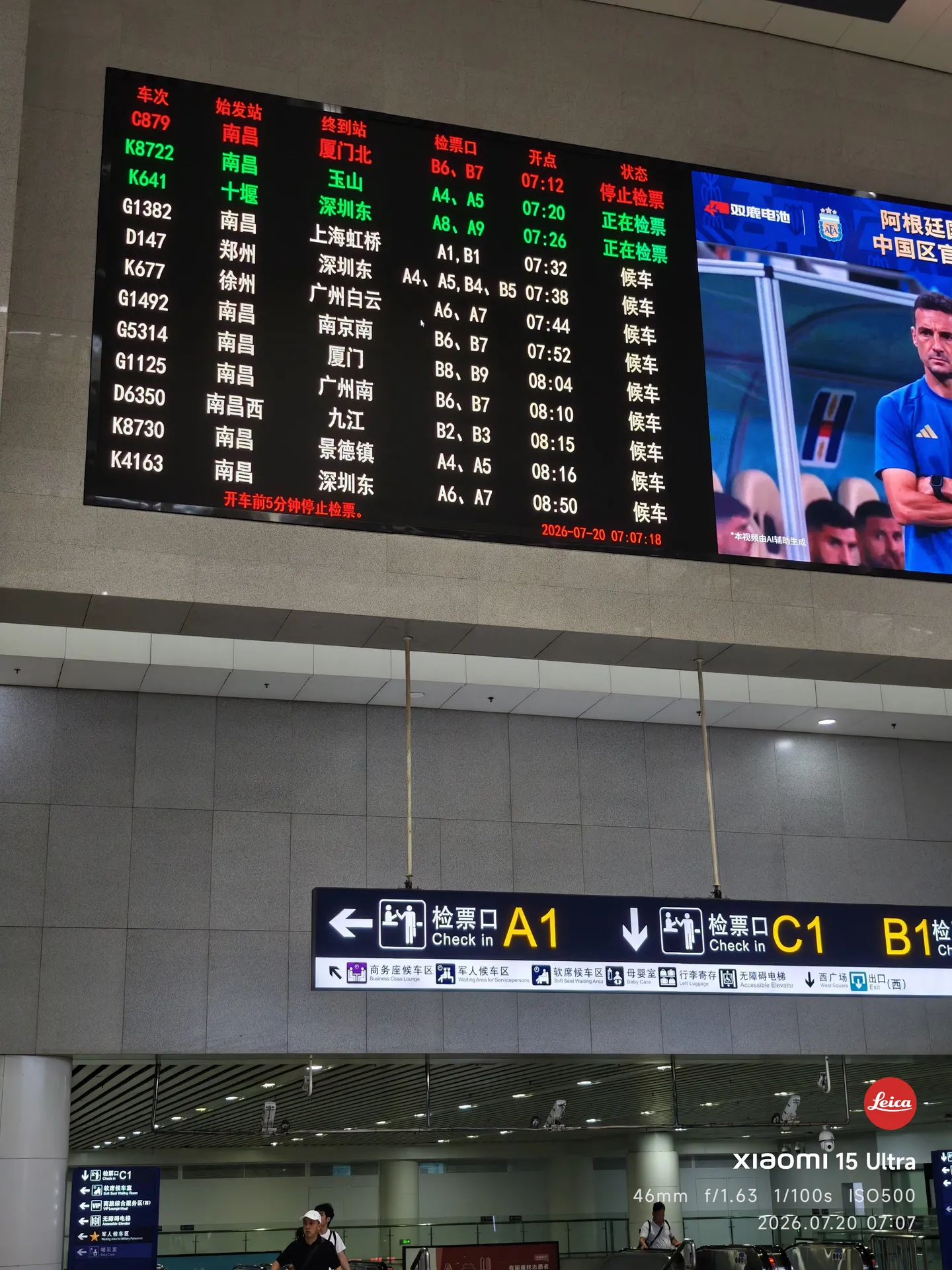
清晨的南昌站候车大厅
南昌站
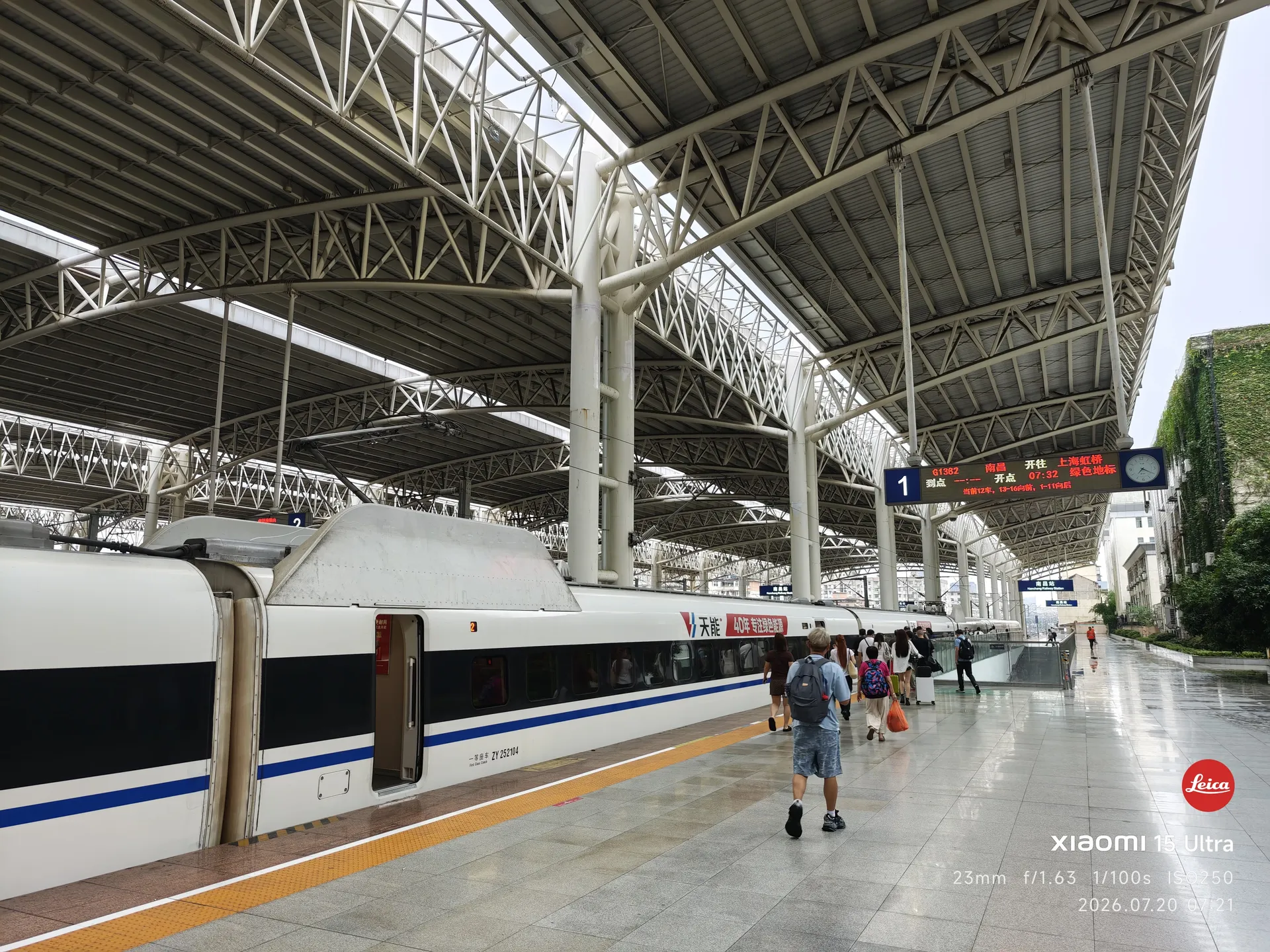
站台上停靠的高铁列车
车前
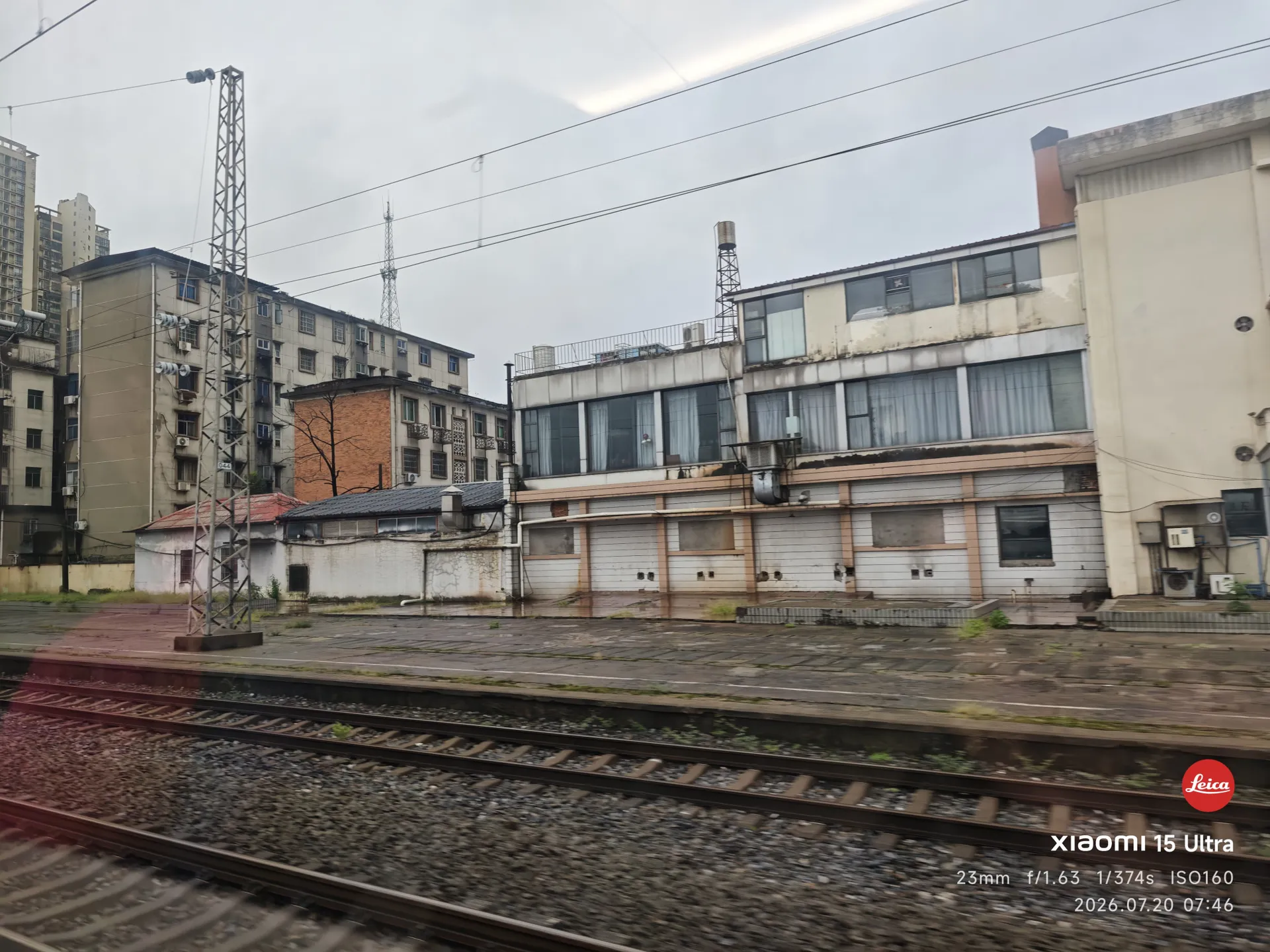
车窗外后退的站台,列车启动
启程
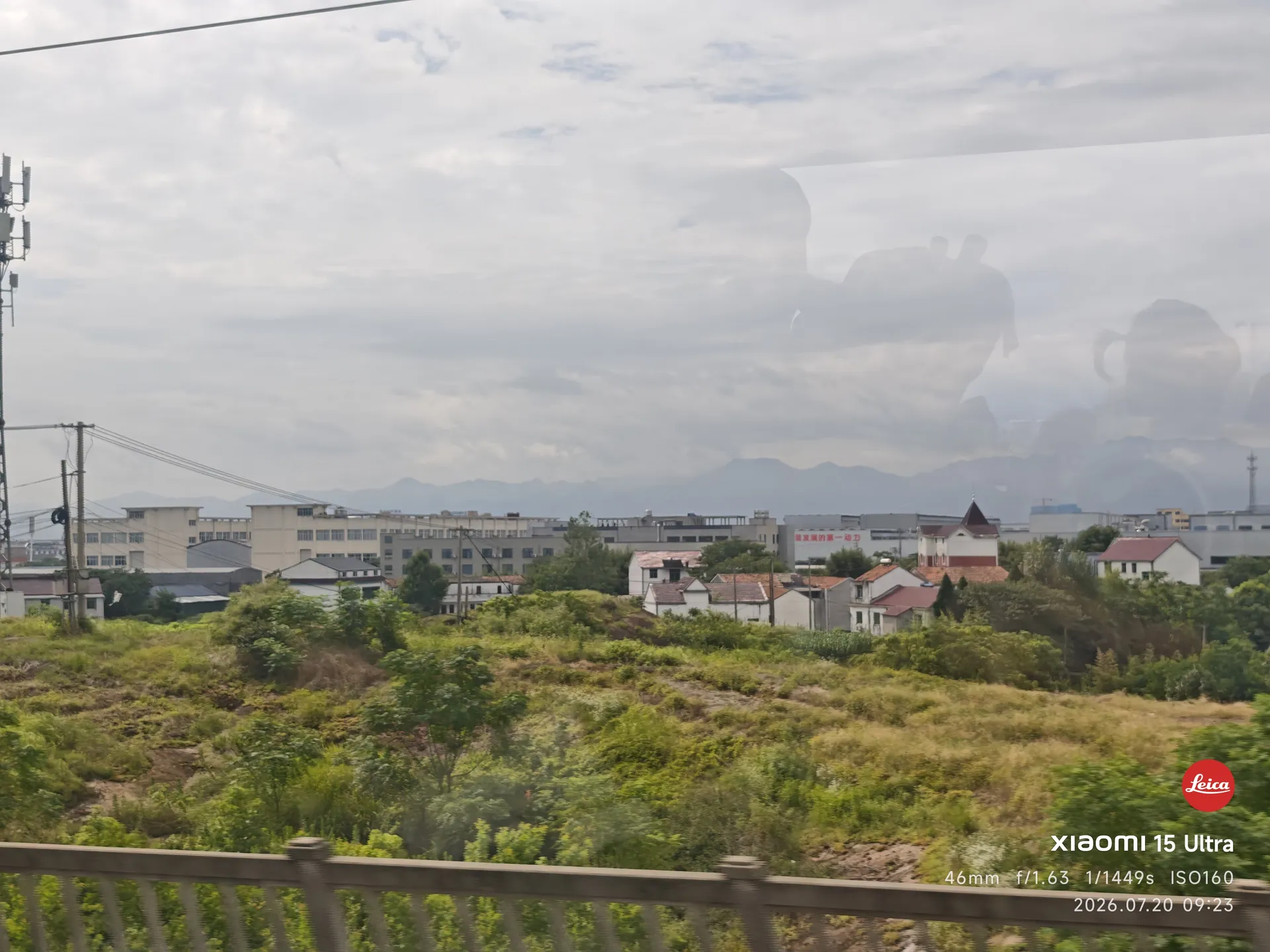
车窗外掠过的乡野与田地
乡野
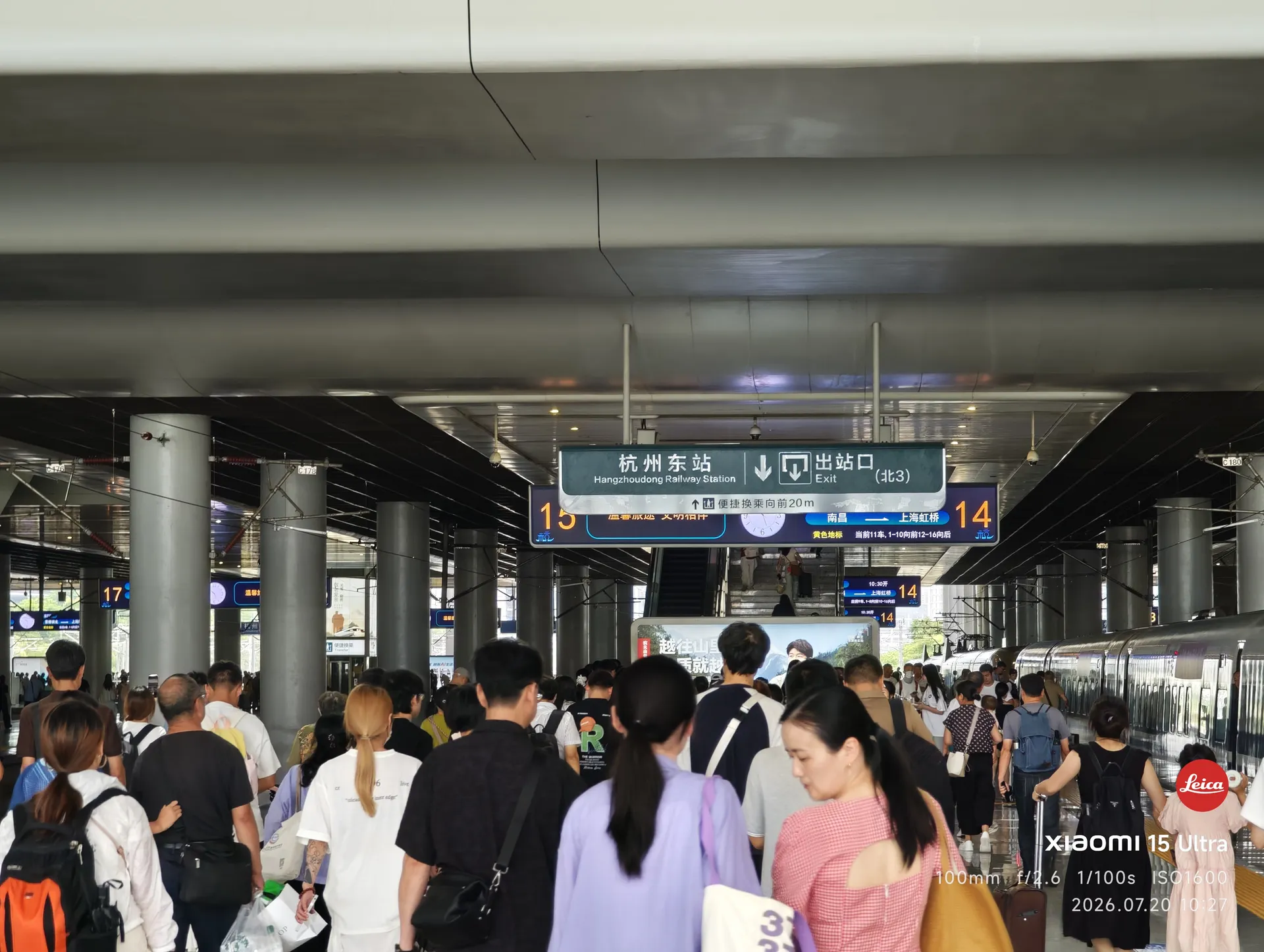
杭州东站出站口的人流
杭州东,你好呀
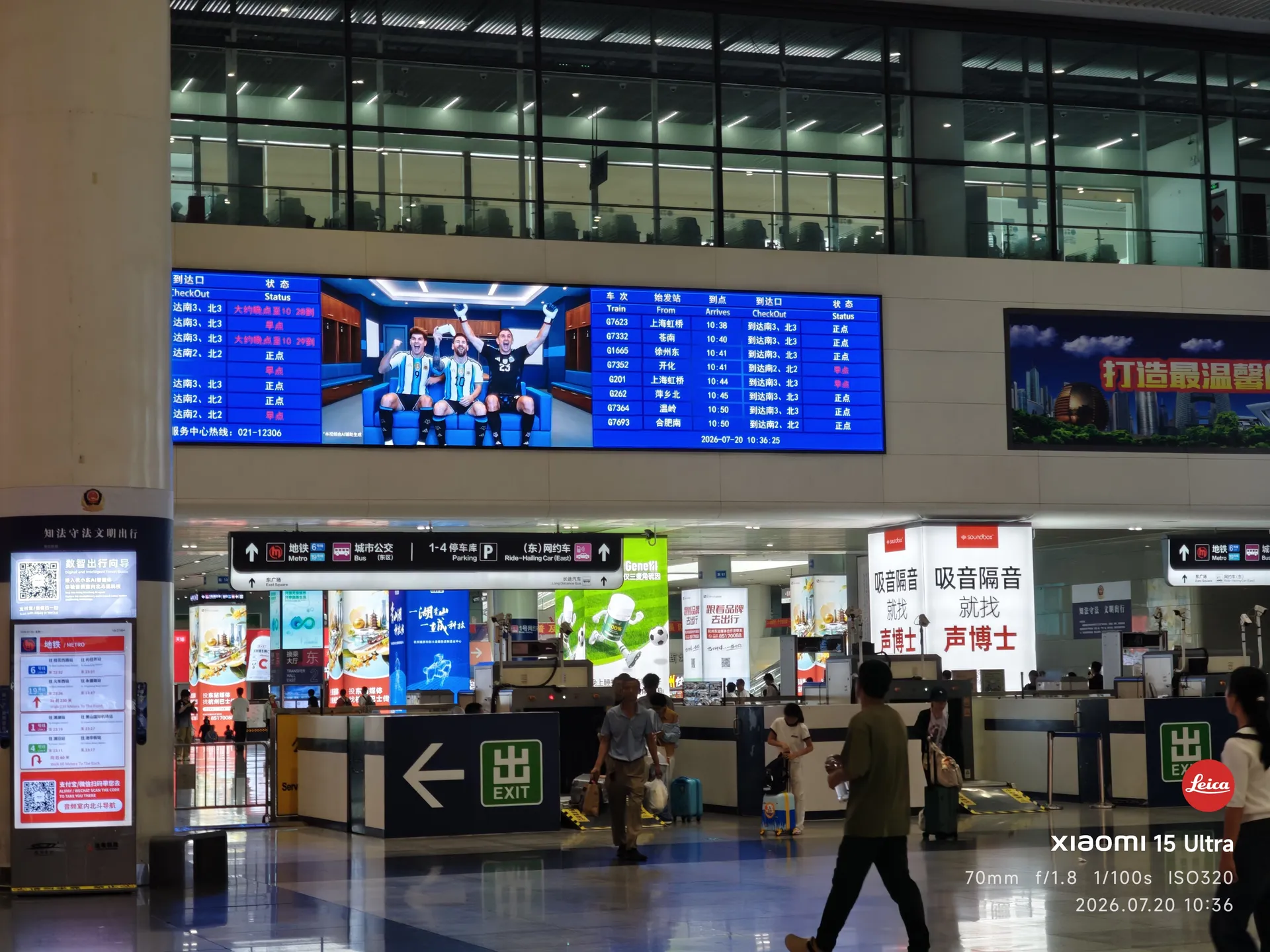
杭州东站站厅与出口指示牌
打辆车,带我去远方!
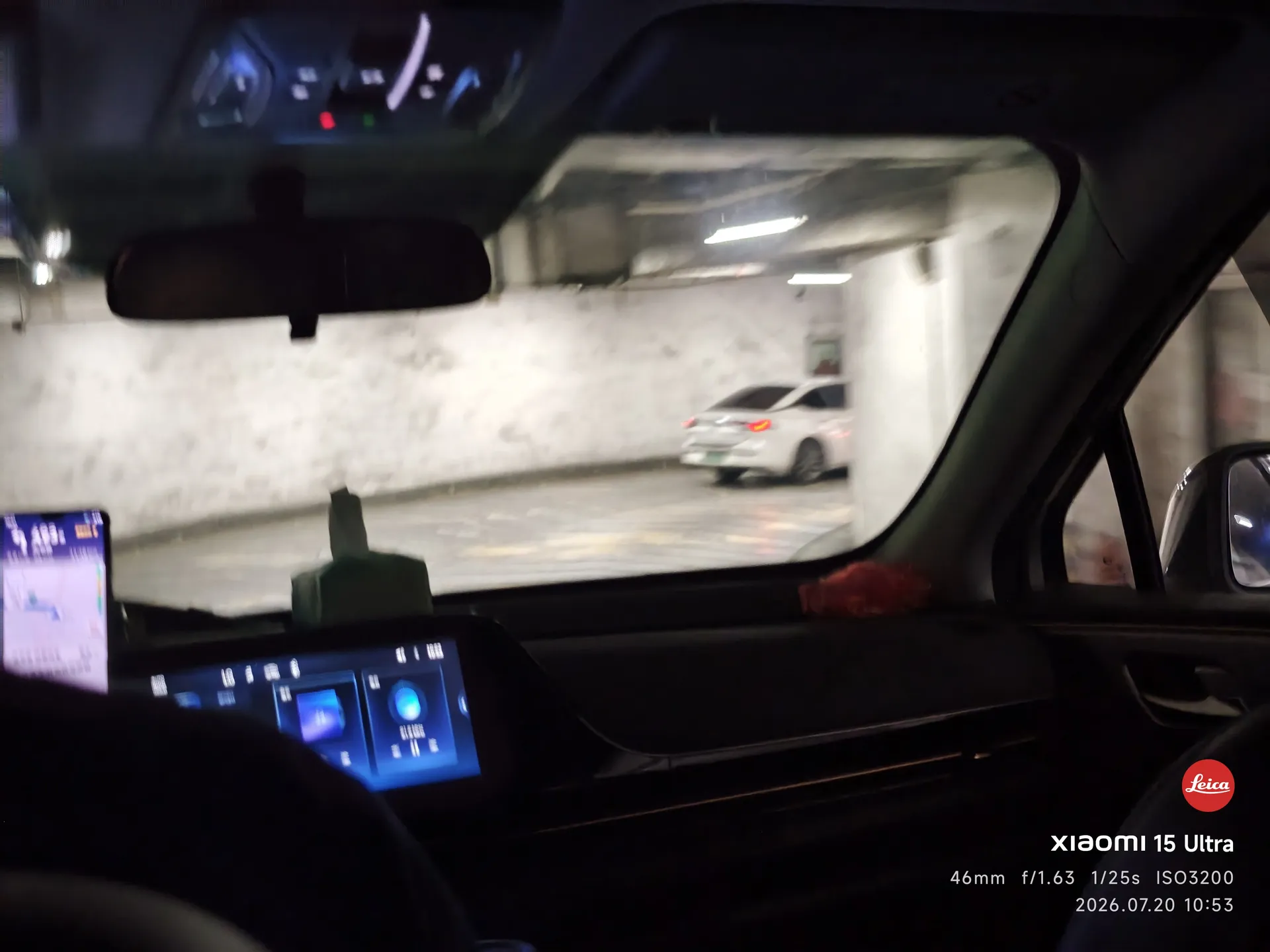
地下车库里的网约车
坐上了
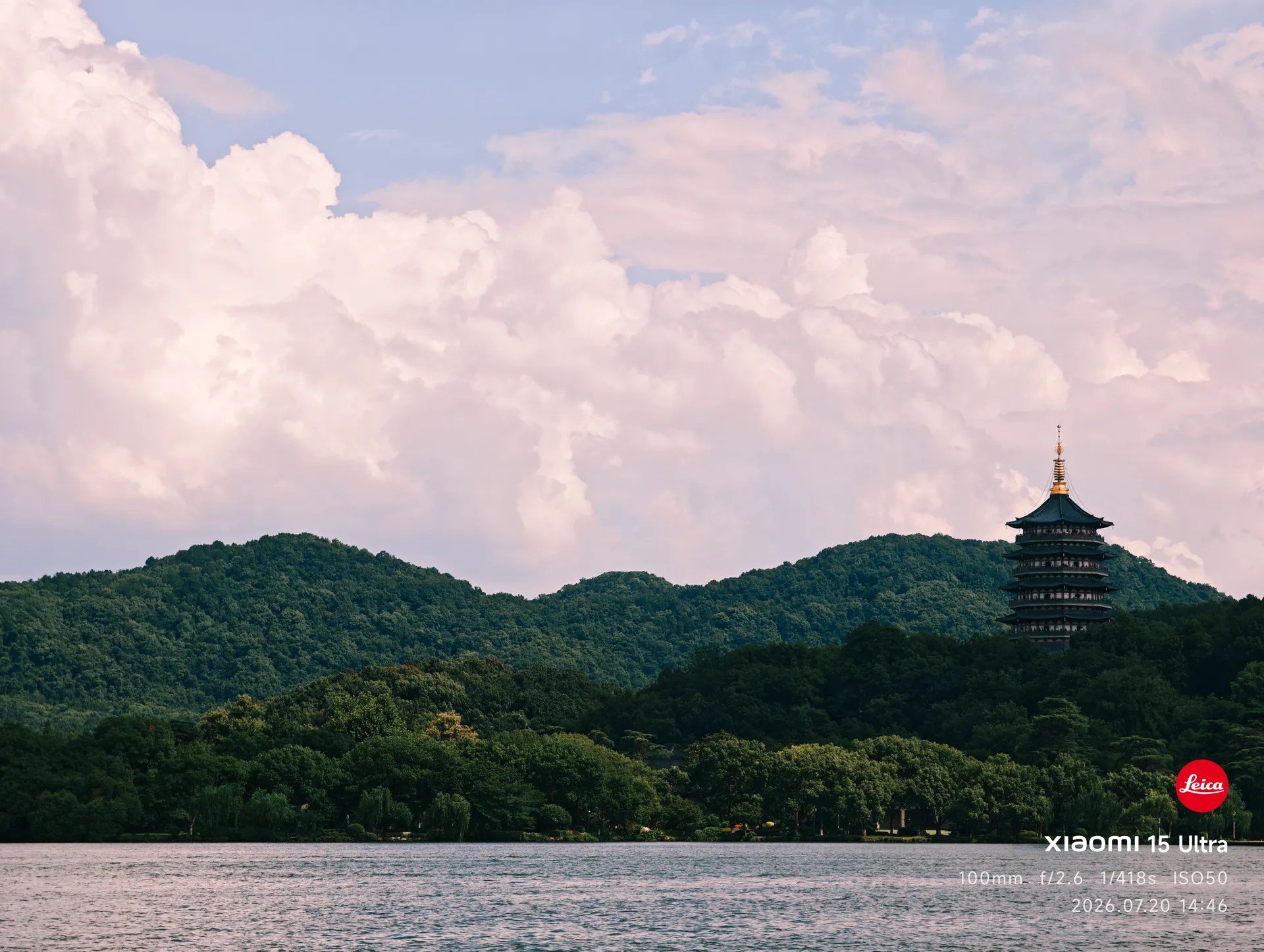
盛夏的西湖:湖面、远山与岸边的树
来了杭州,看看西湖吧
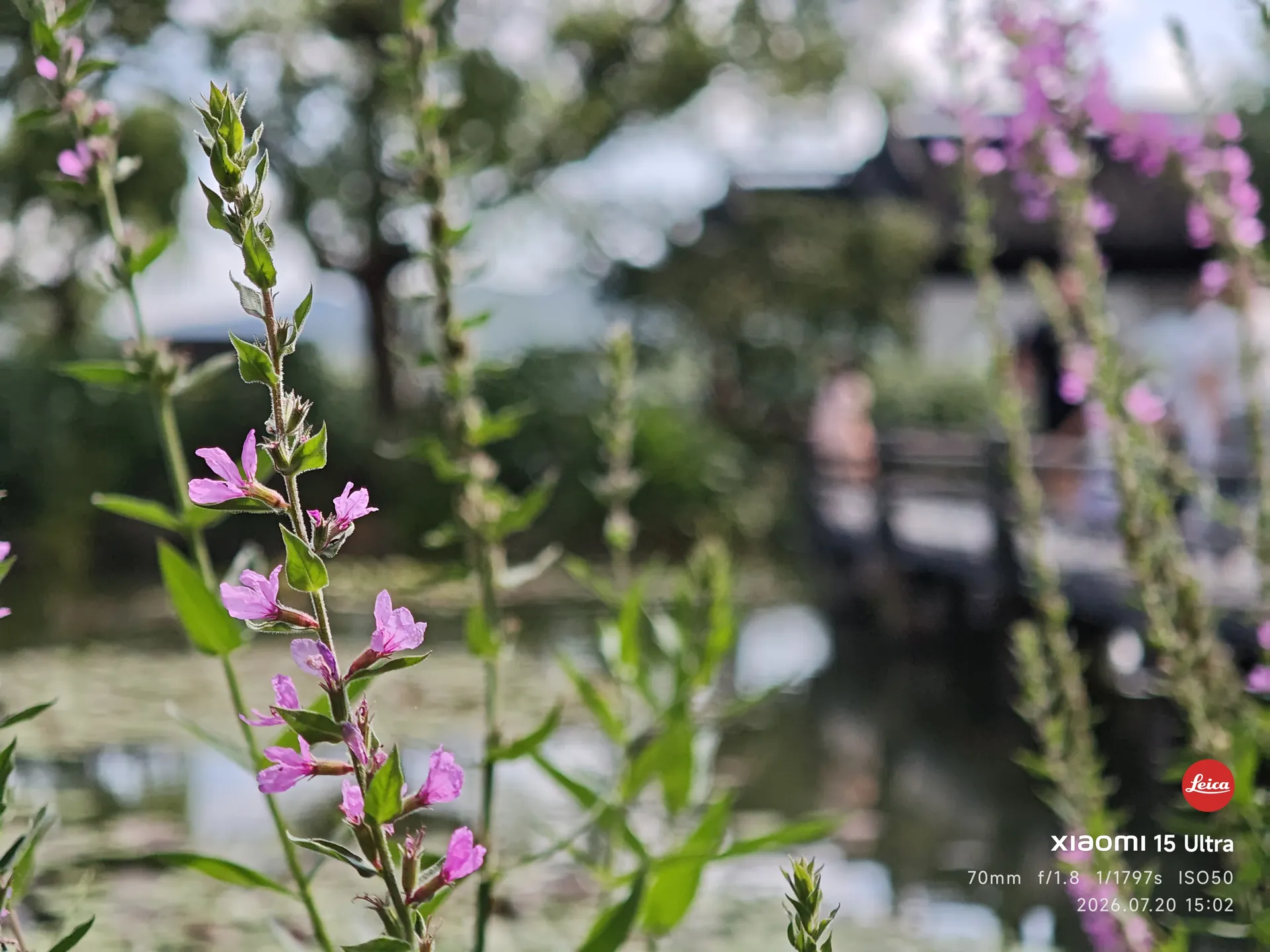
西湖路边盛开的粉紫色花
西湖路边的一些花
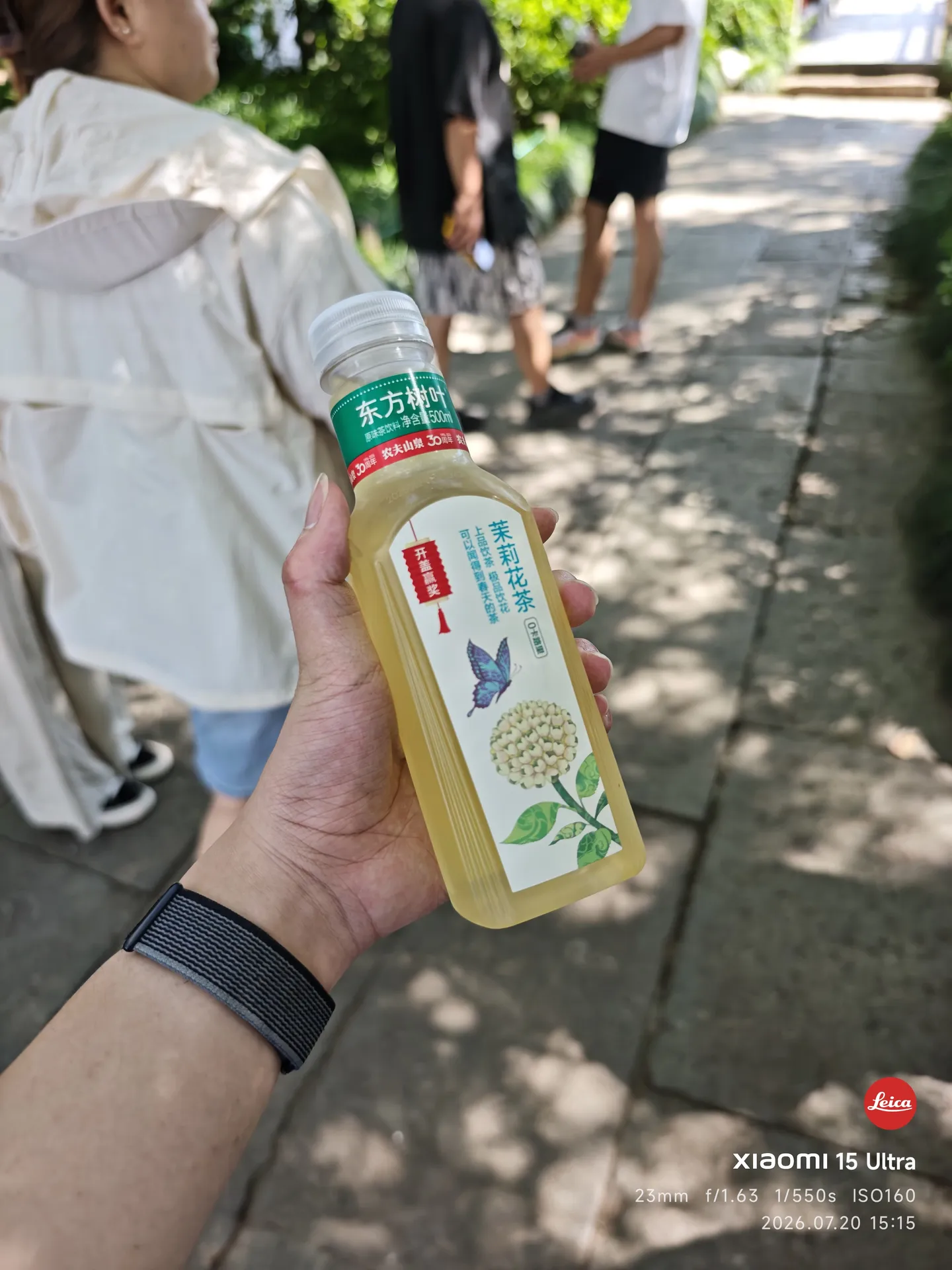
手里拿着一瓶东方树叶茉莉花茶
杭州文旅卖我 12 块的水
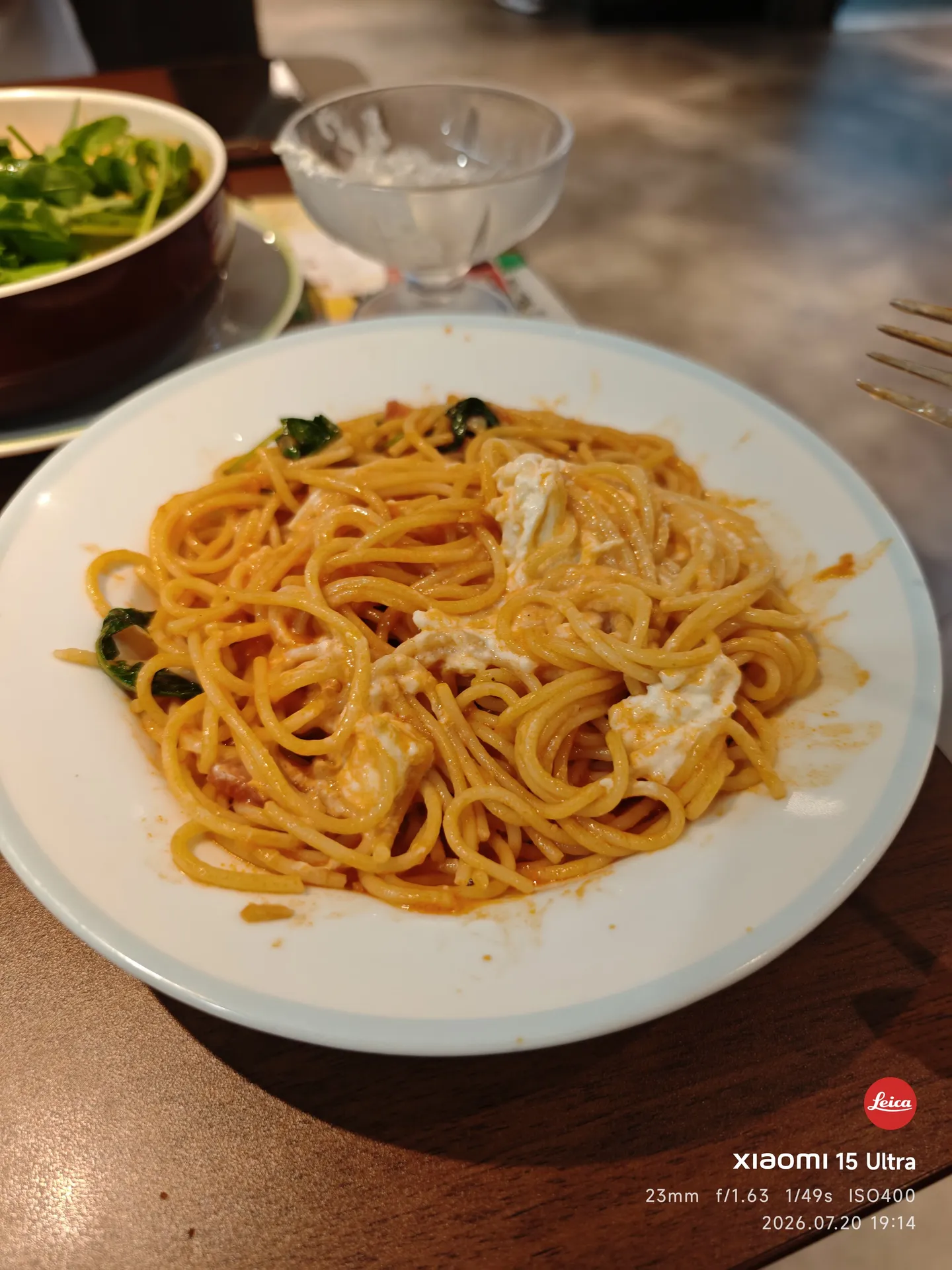
萨莉亚的意面
第一次吃萨莉亚,比西湖的东方树叶便宜

7.21 · 浙大、湿地与灵隐

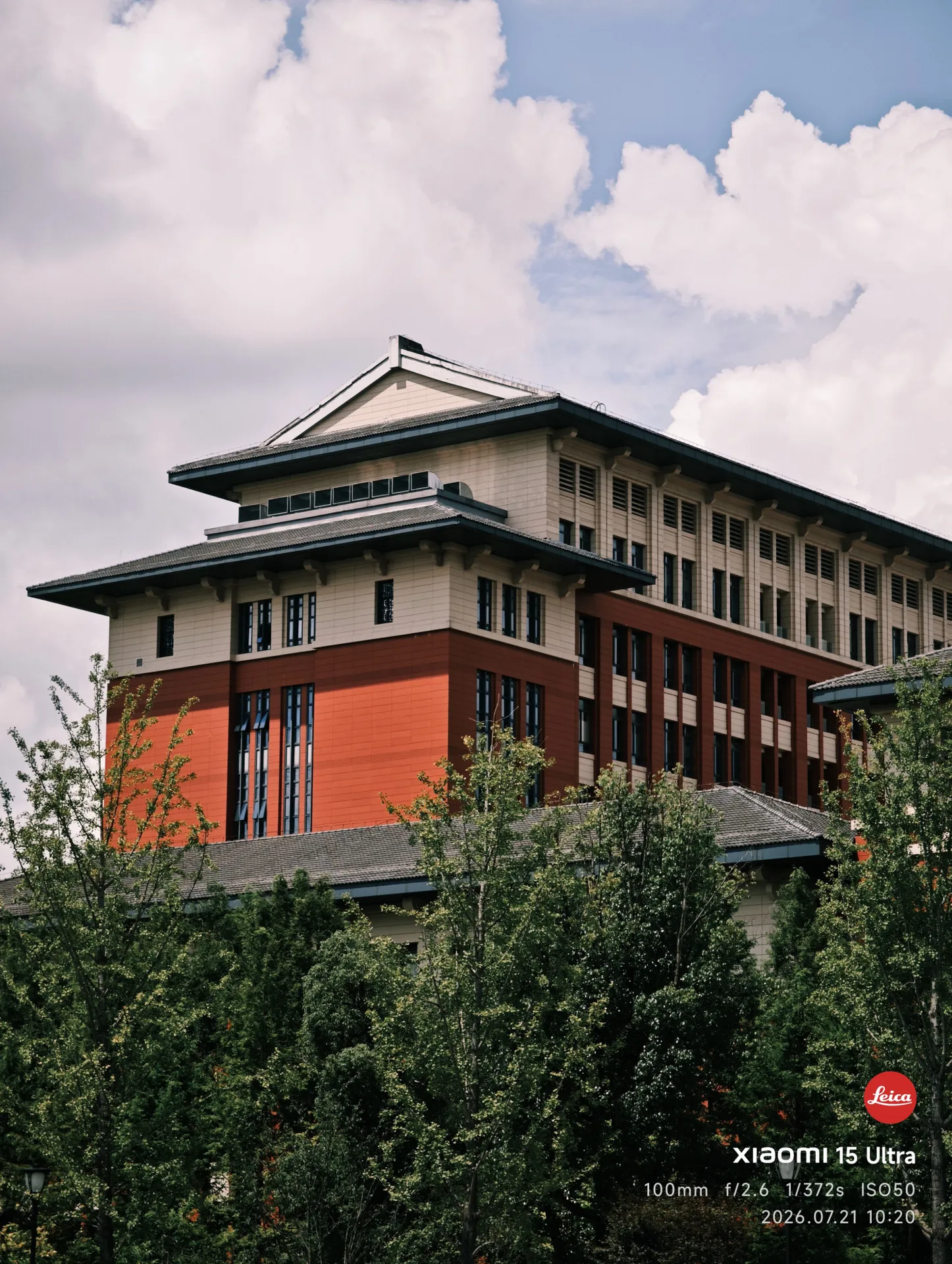
浙江大学校门
第二站,看看浙大怎么样
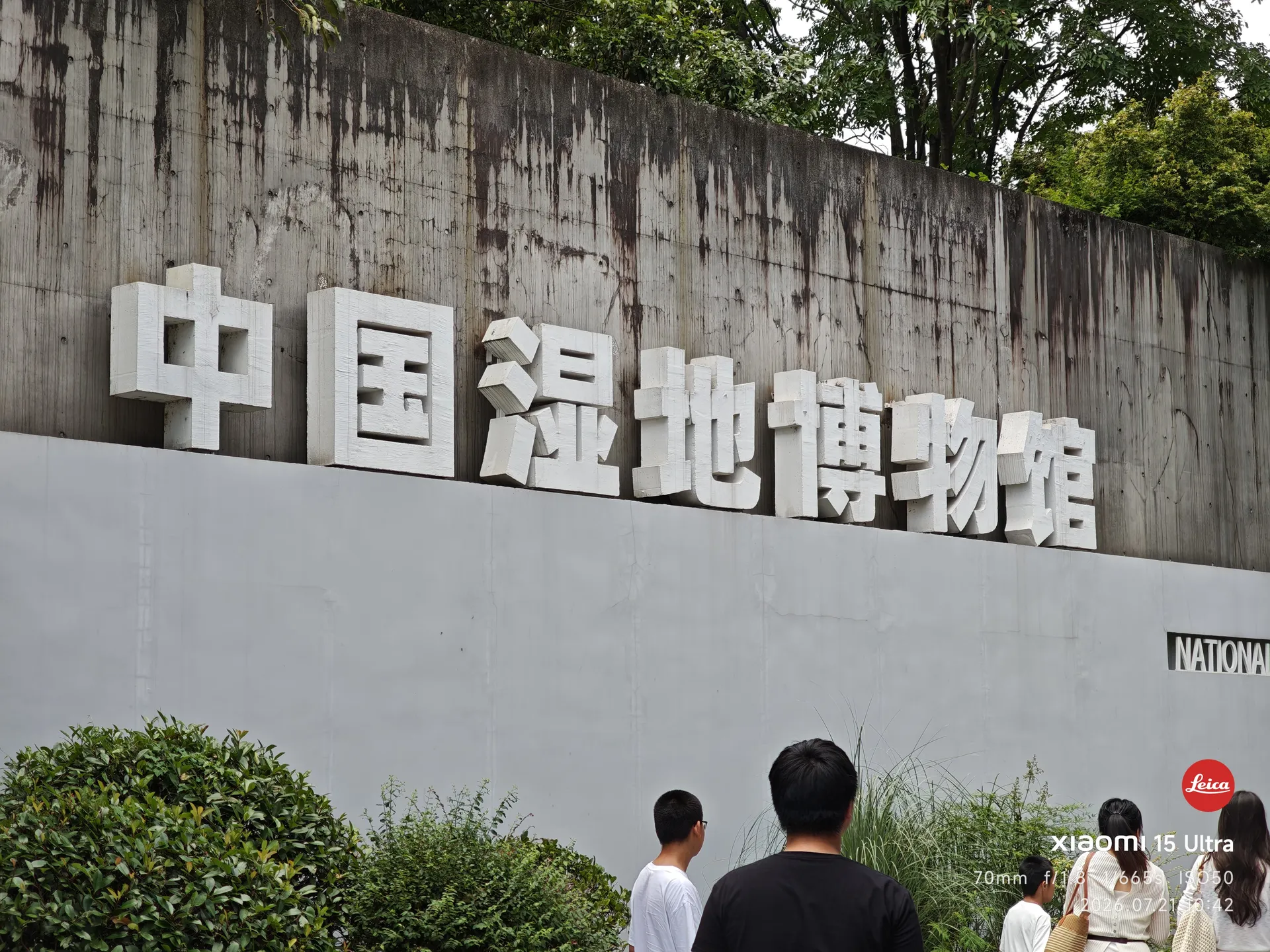
中国湿地博物馆入口
第三站,看看湿地博物馆呢
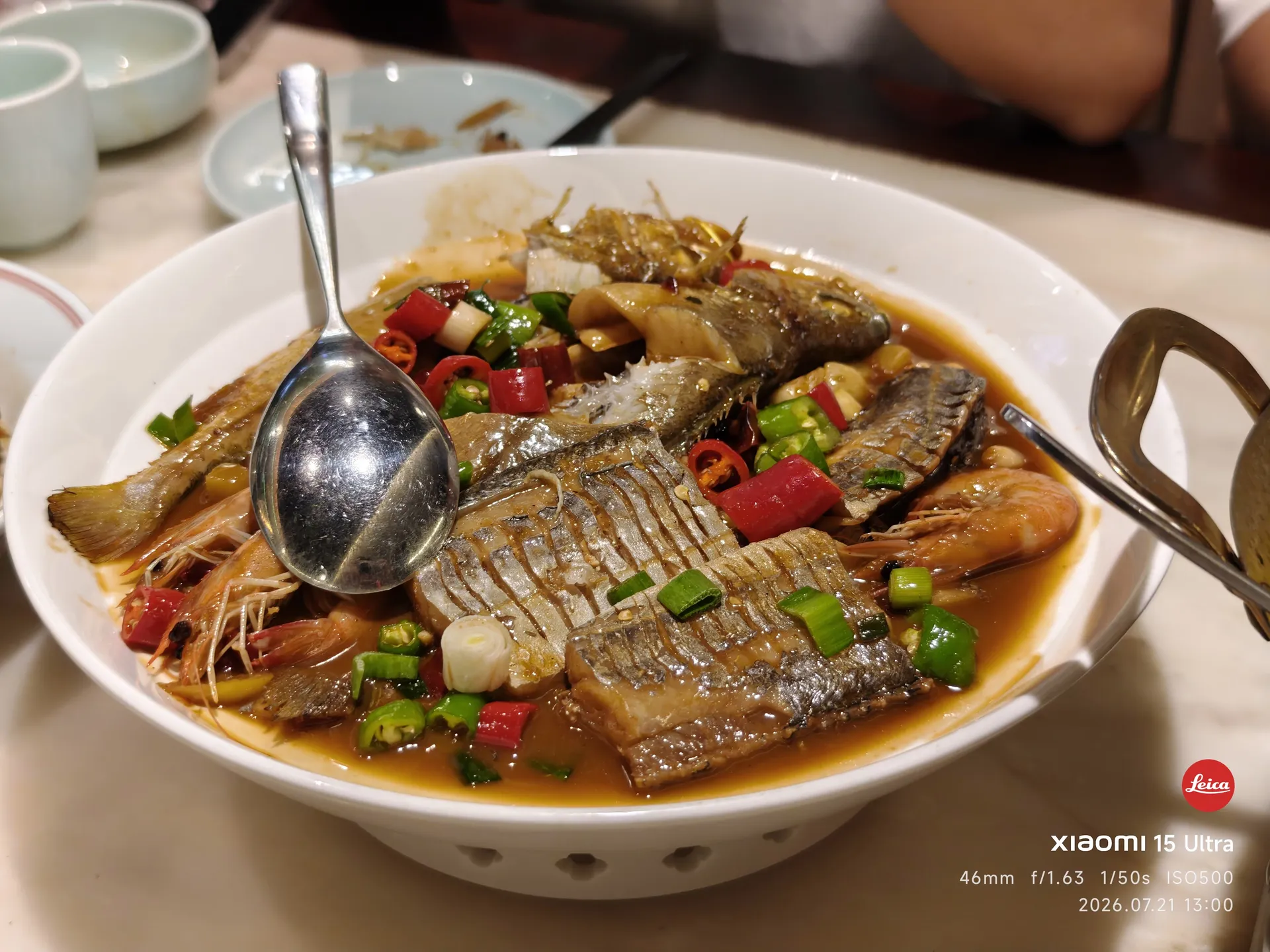
一盘杭州做法的鱼
来点杭州的午饭
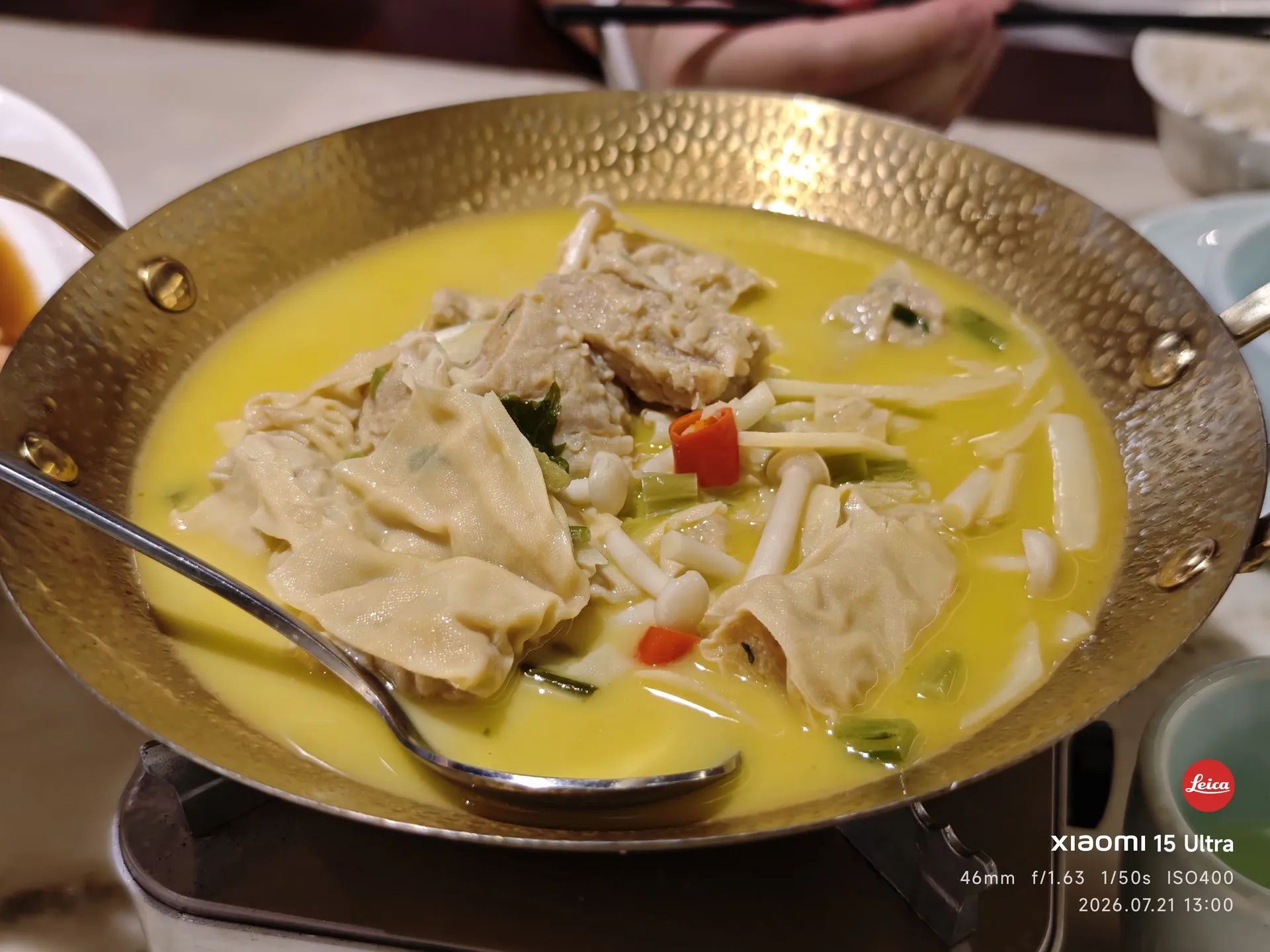
一锅腐皮汤
PS:不好吃,还被鱼刺打了
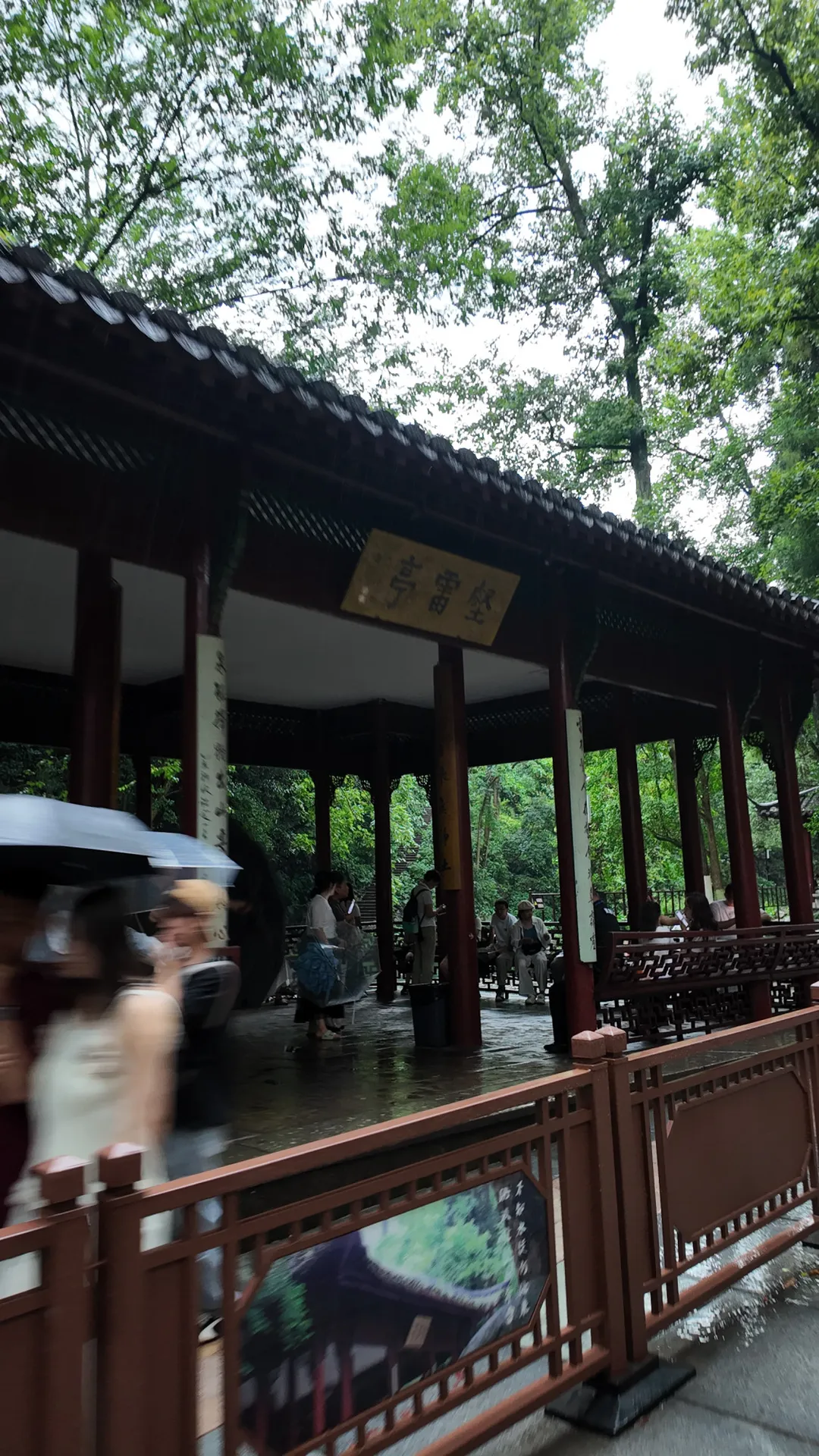
雨中的壑雷亭,游人打着伞
飞来峰下的雨
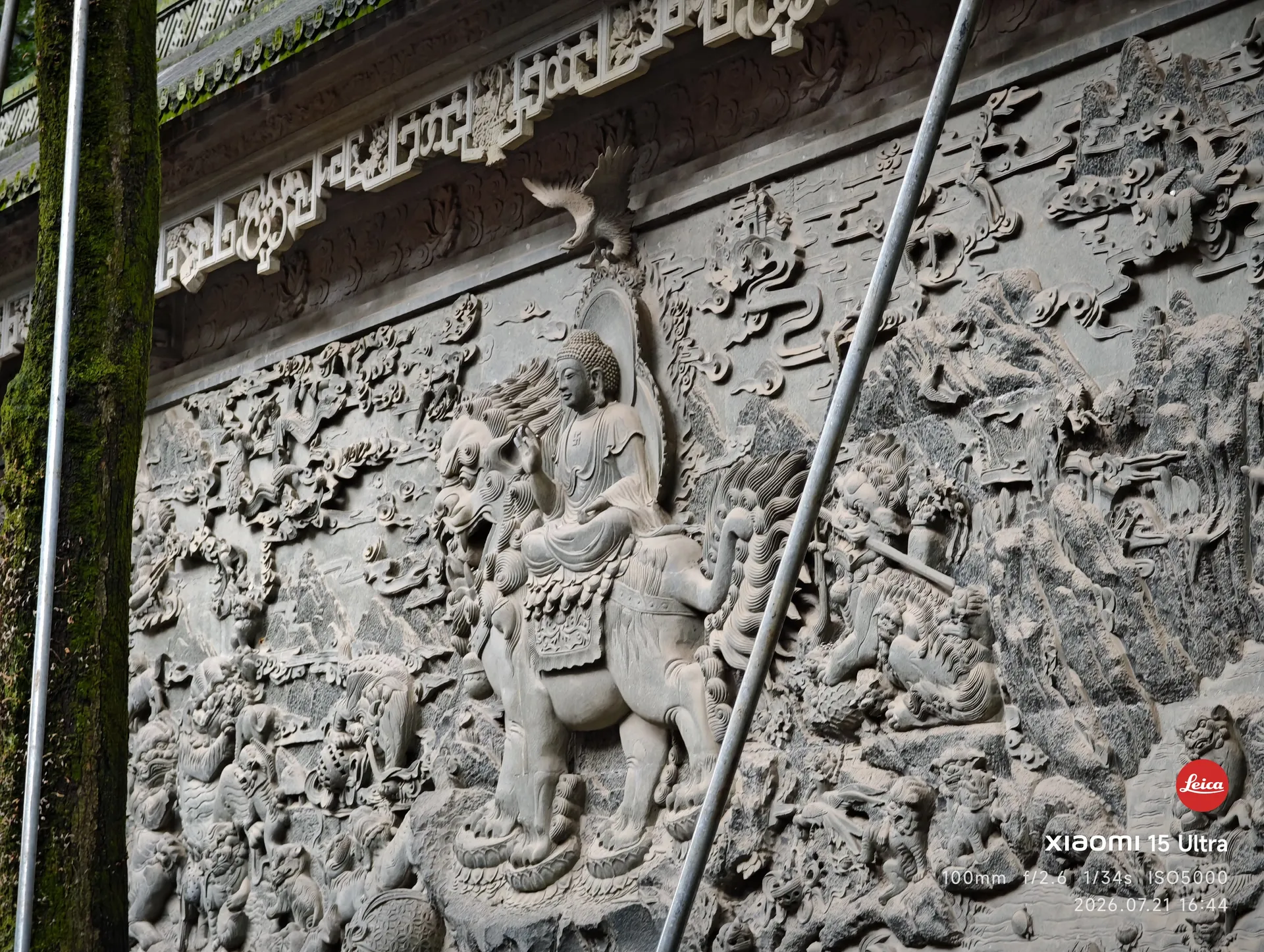
灵隐寺庭院里的香炉与古树
来看看灵隐寺

提前了两天到达杭州,逛了逛这些耳熟能详的地方。因为天气原因,西湖等都没有看完——不是太热,就是大雨落下阻碍进程。下一天就是 7.22,我的第一次 Adventure 从此刻开始。

7.22 · 开幕,Adventure 开始

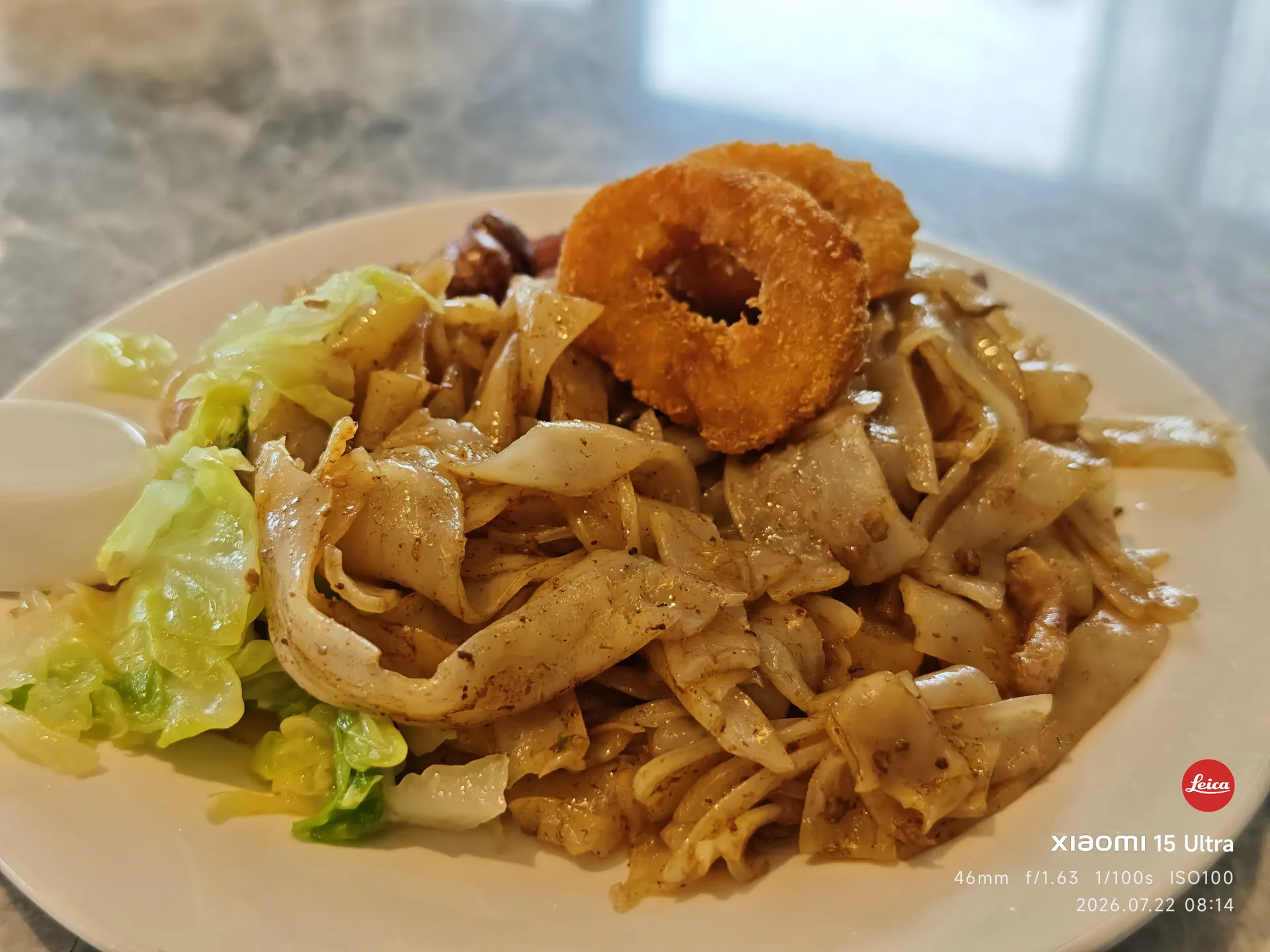
酒店早餐:炒粉和洋葱圈
在酒店吃的早餐
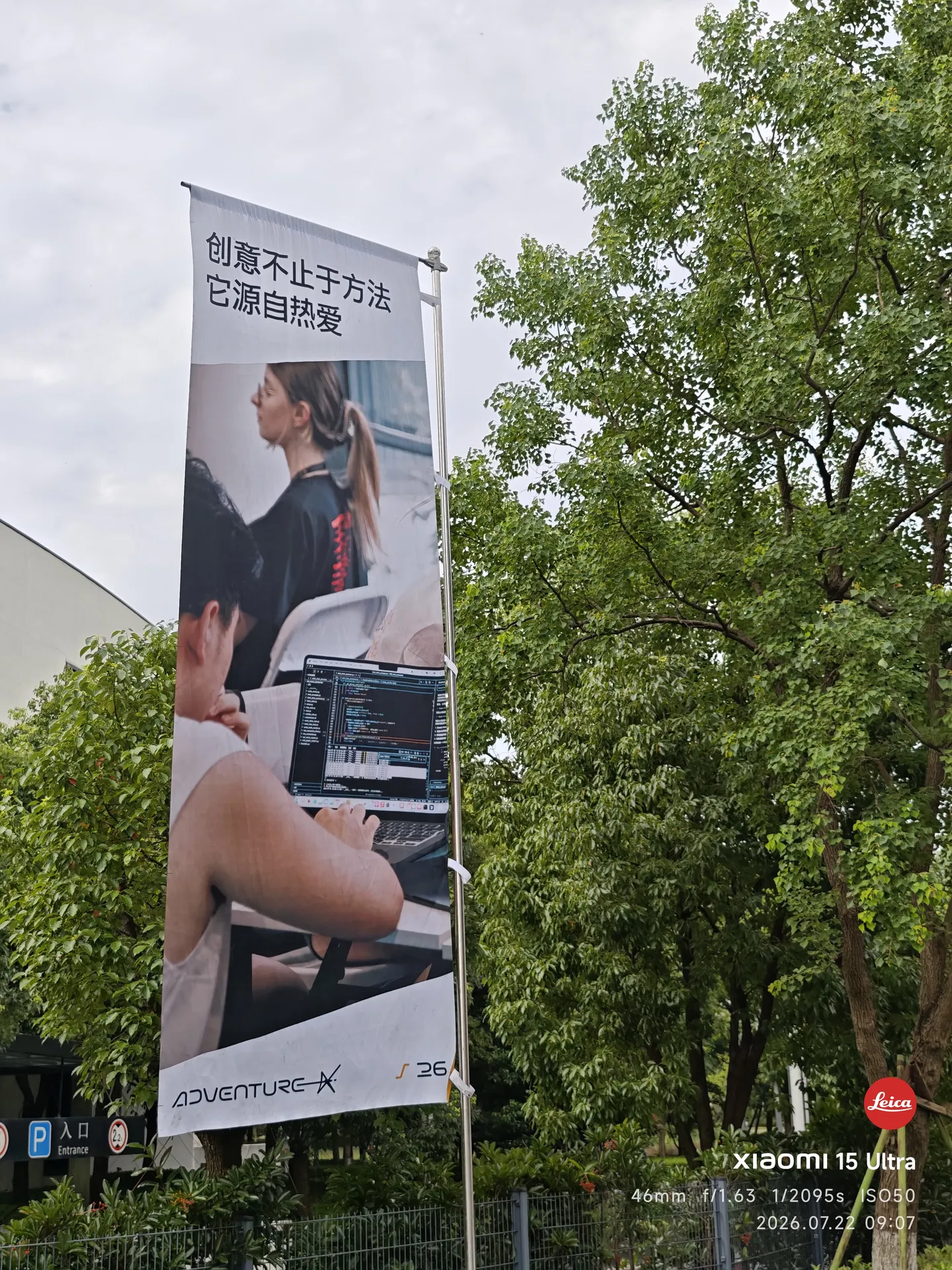
AdventureX 的旗阵,写着「创意不止于方法,它源自热爱」
ADVX 真大气吧,一堆旗子
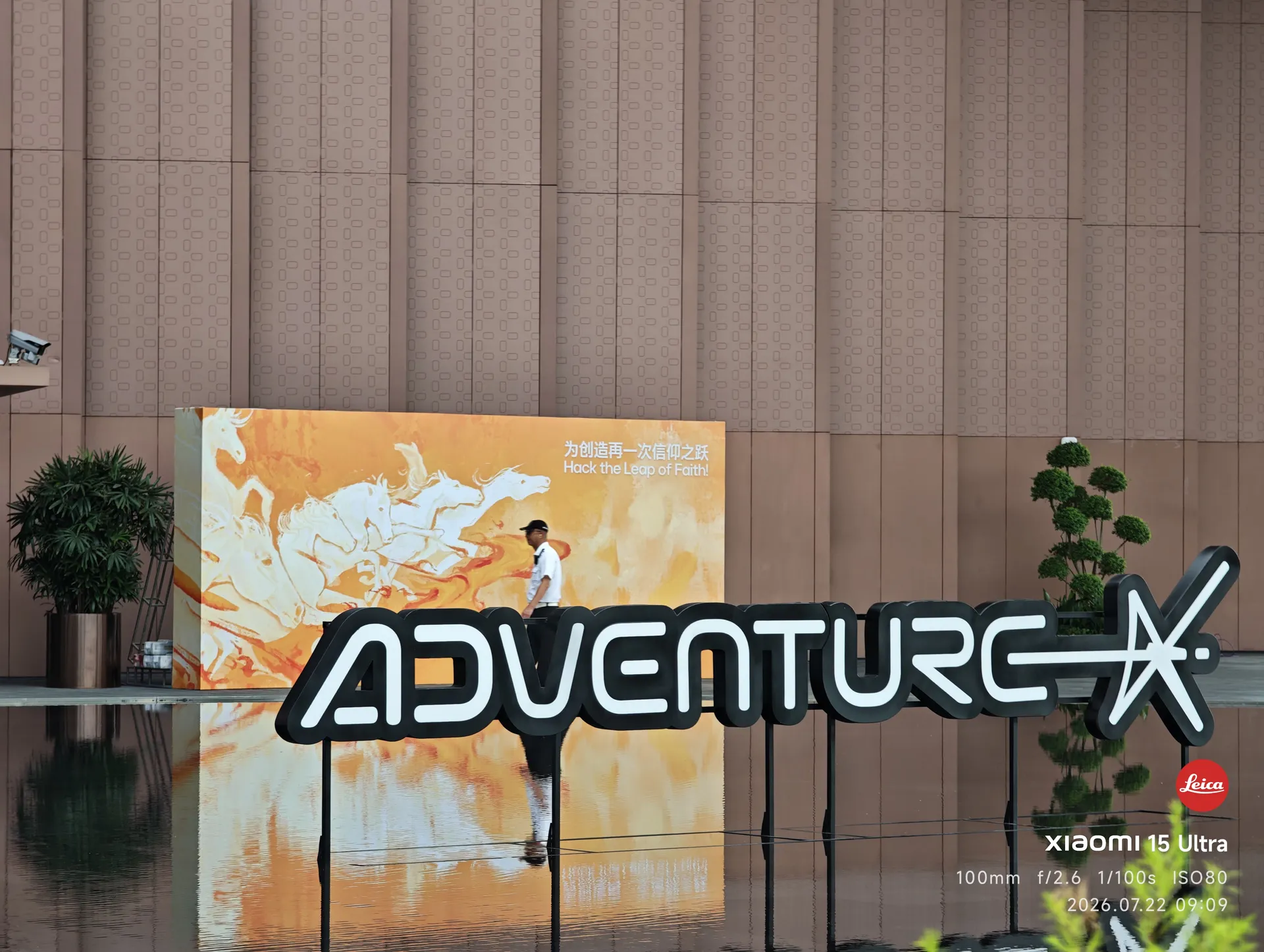
ADVENTURE X 立体 Logo 墙与背后的骏马壁画
Logo
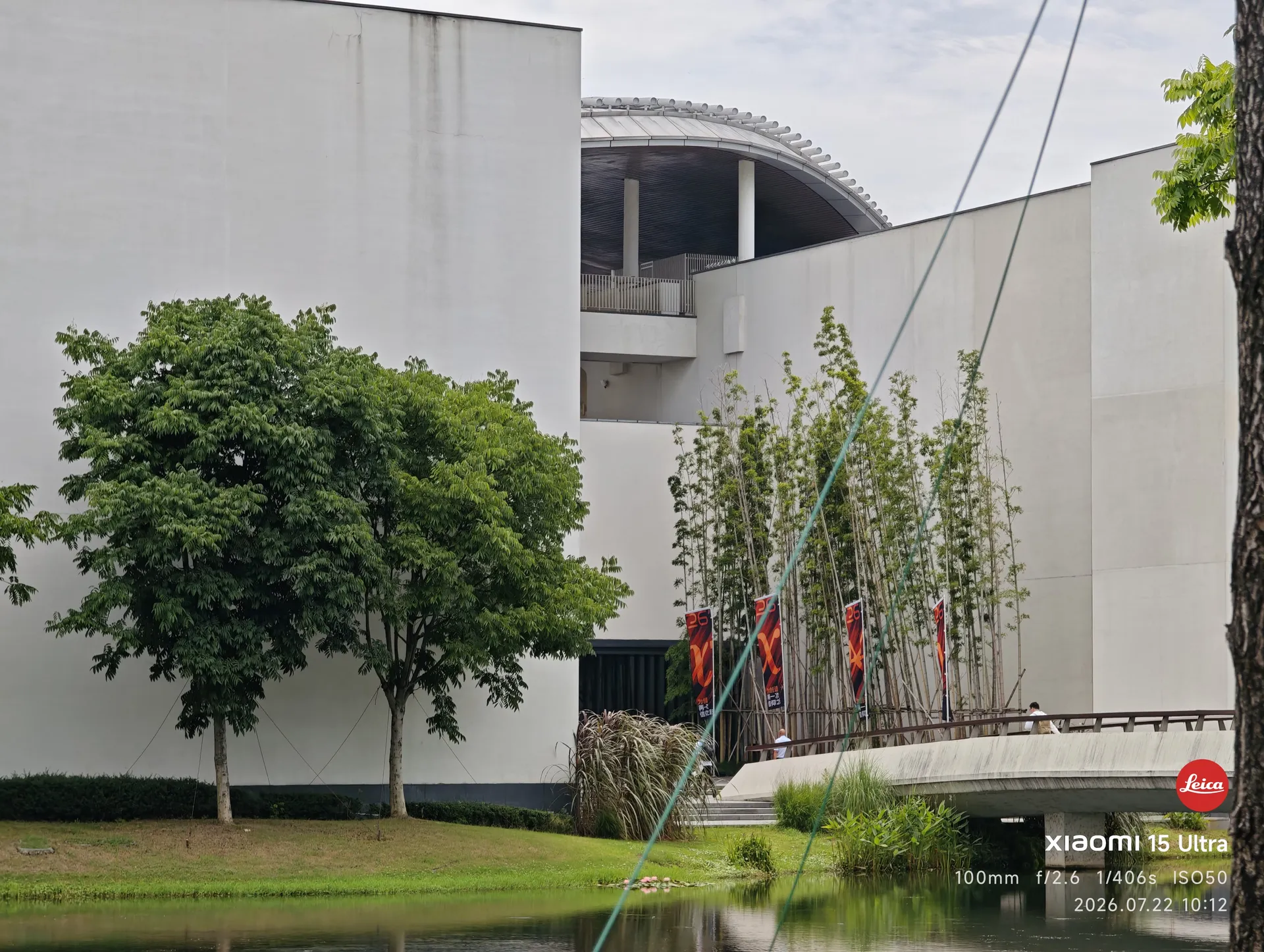
隔着水面望向湖畔创研中心的白色建筑群,岸边插着 AdventureX 的旗帜
创造发生的地方:湖畔
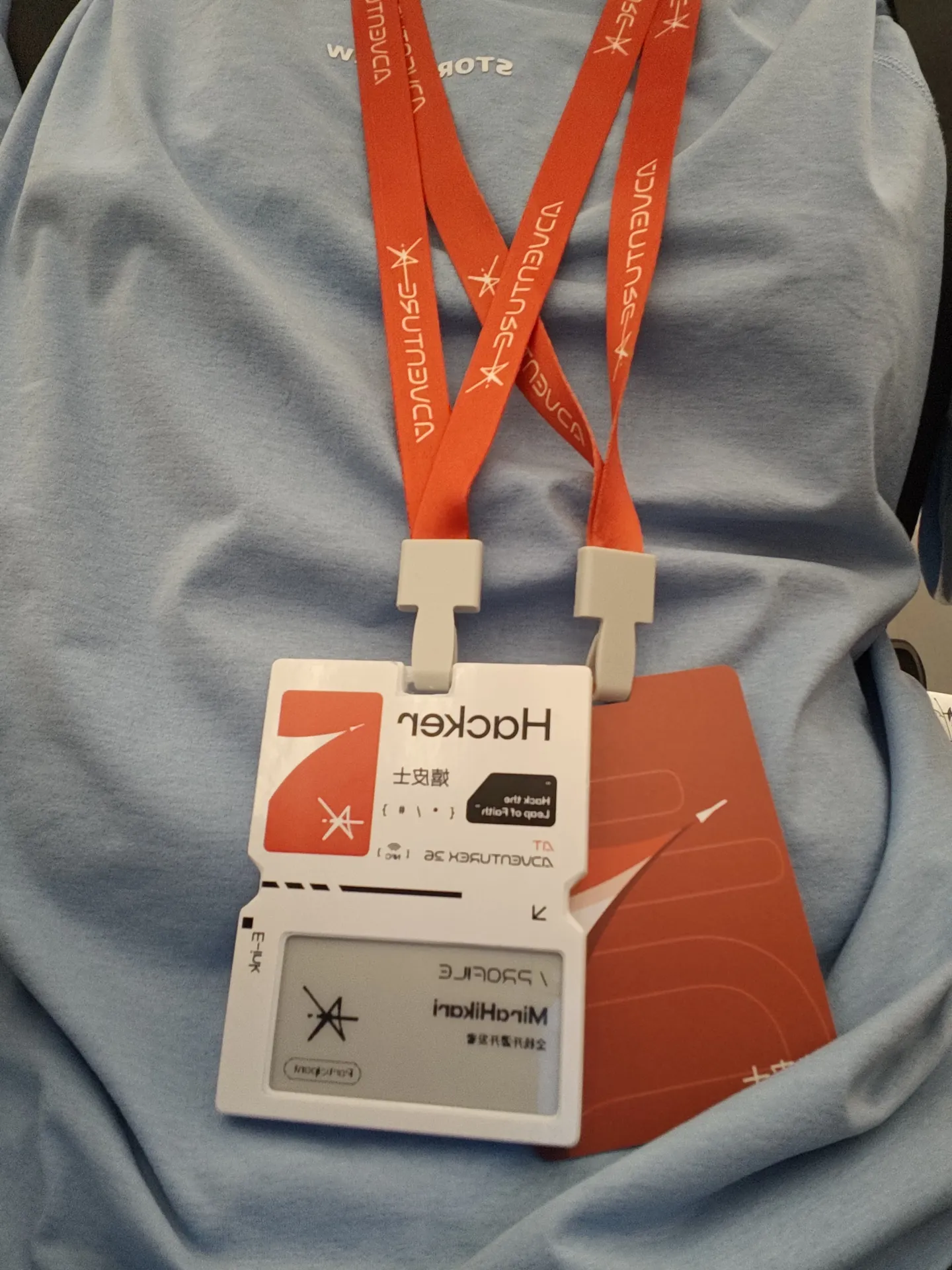
AdventureX 2026 的参赛工牌
领到工牌了
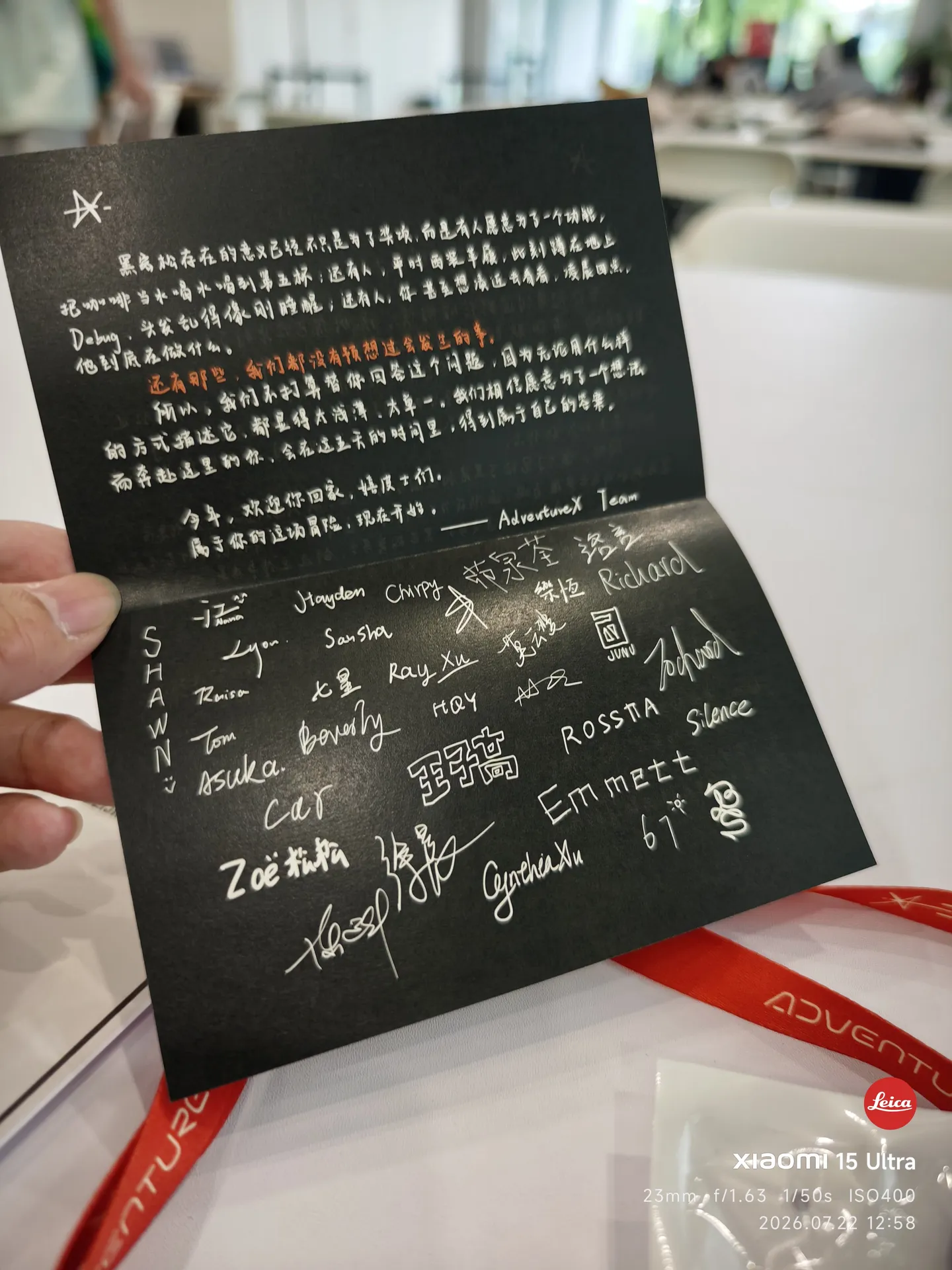
AdventureX 的一封信,黑底白字,落着团队的签名
ADVX 的一封信

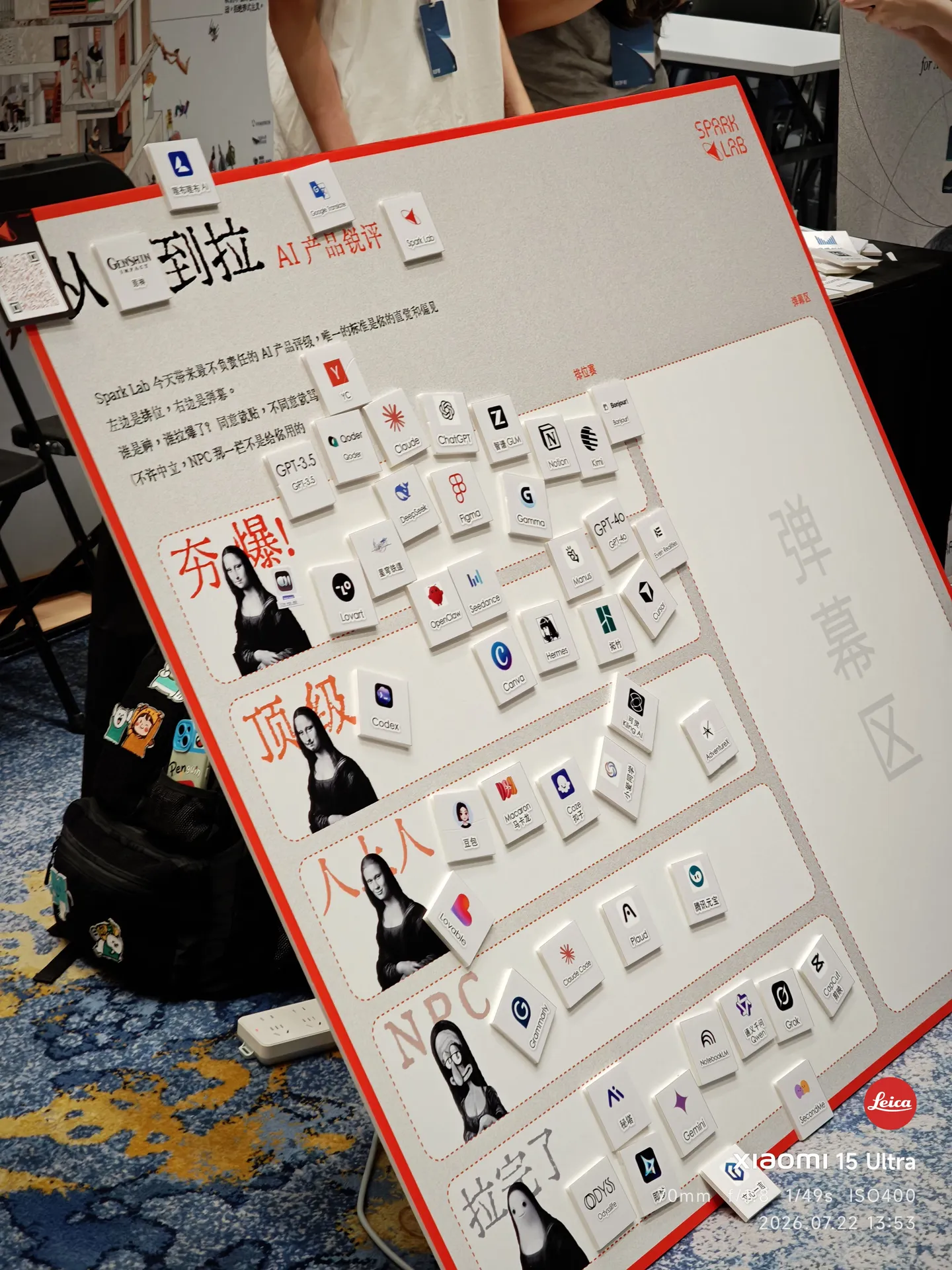
先看看 Super! 展会吧。

Super! 展会上的 AI 产品锐评墙,从「夯」到「拉」排成一列
从夯到拉
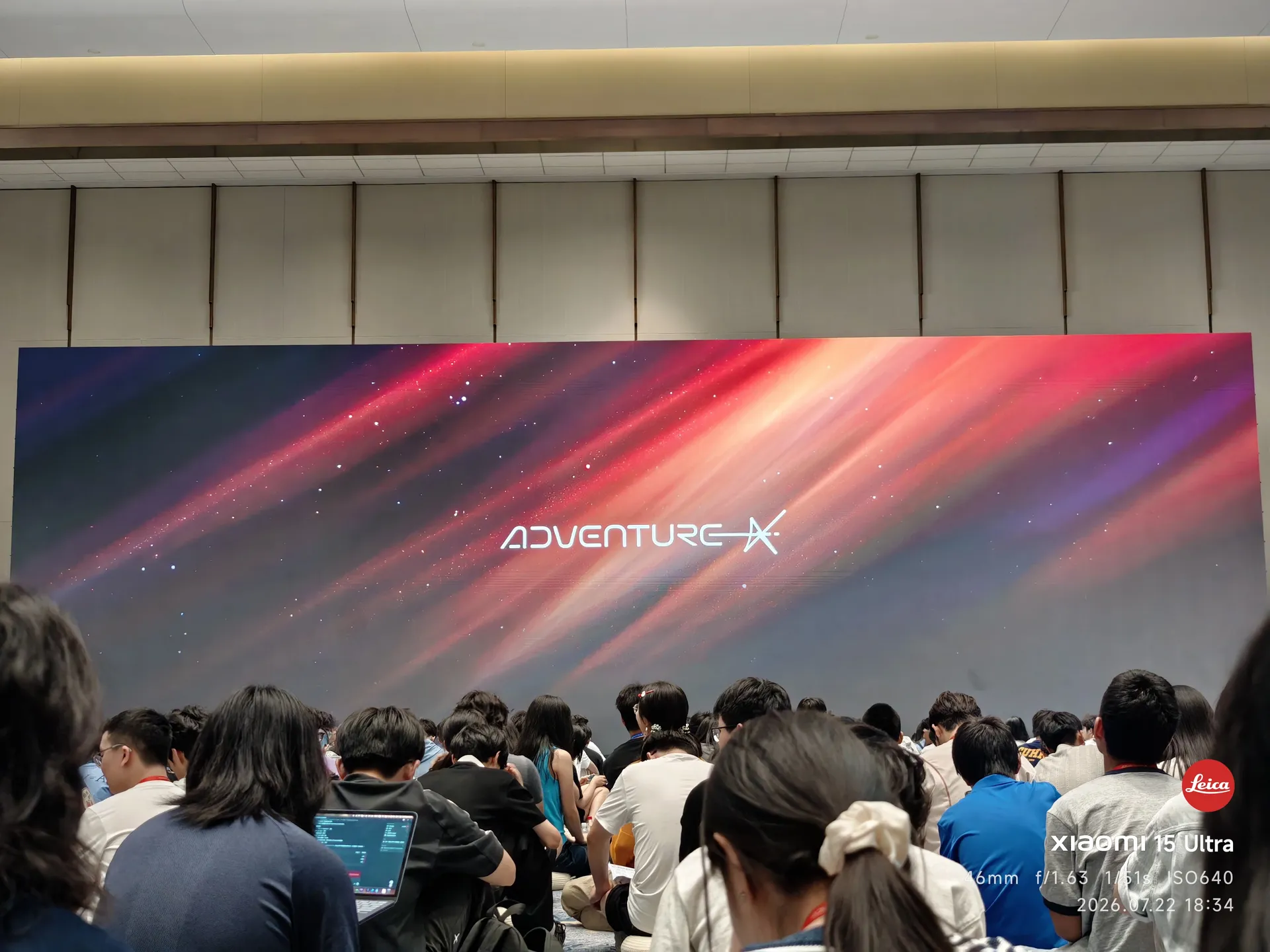
开幕式现场的大屏,ADVENTURE X 字样亮起
开幕式开场前

后面就没拍什么了,因为实在是太忙了。PS:开幕式确实挺无聊来着,呃呃呃。

7.23–7.25 · Build 的日夜

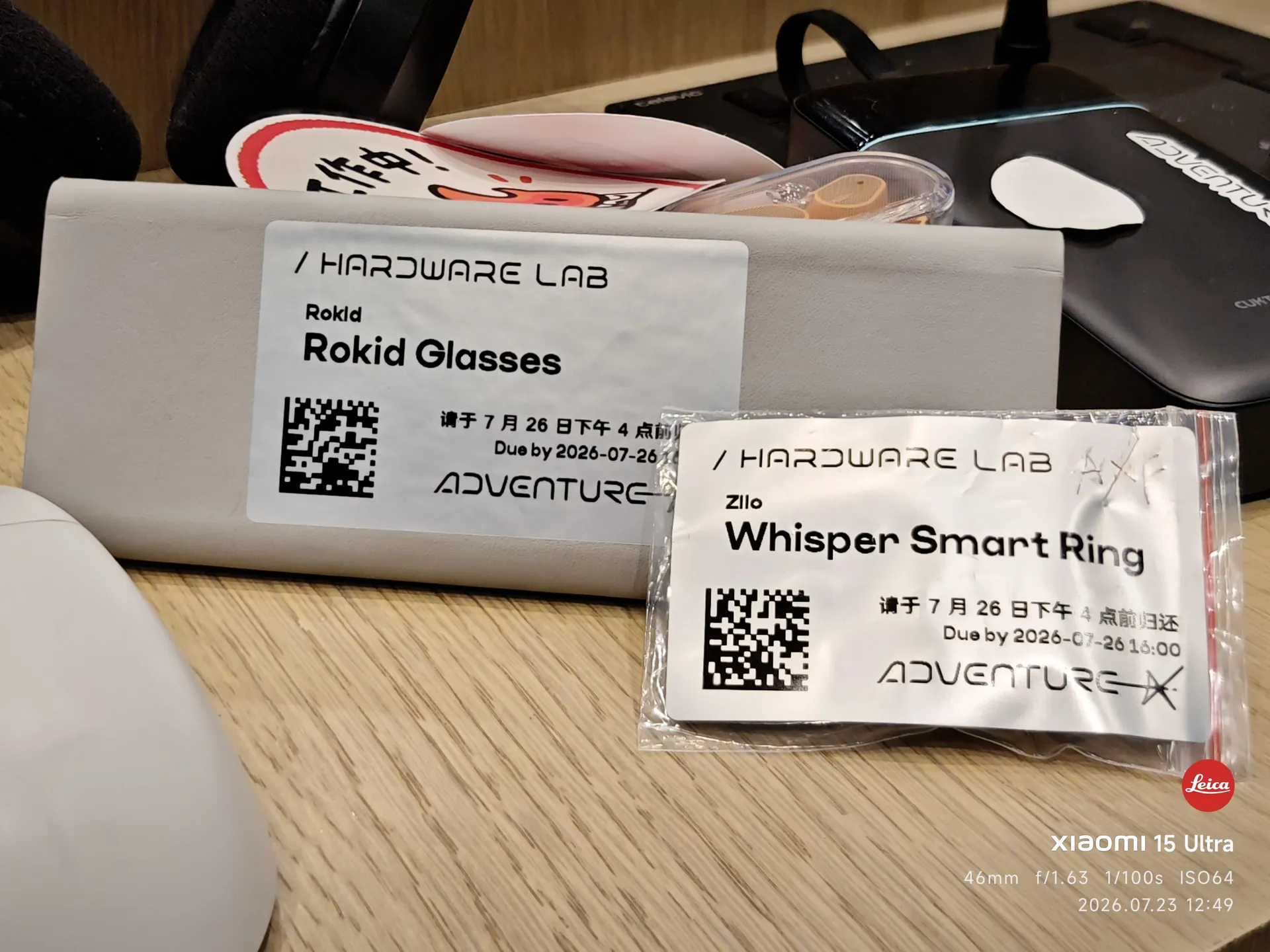
从 Hardware Lab 抢到的 Rokid Glasses 和 Whisper 智能戒指
抢到的硬件
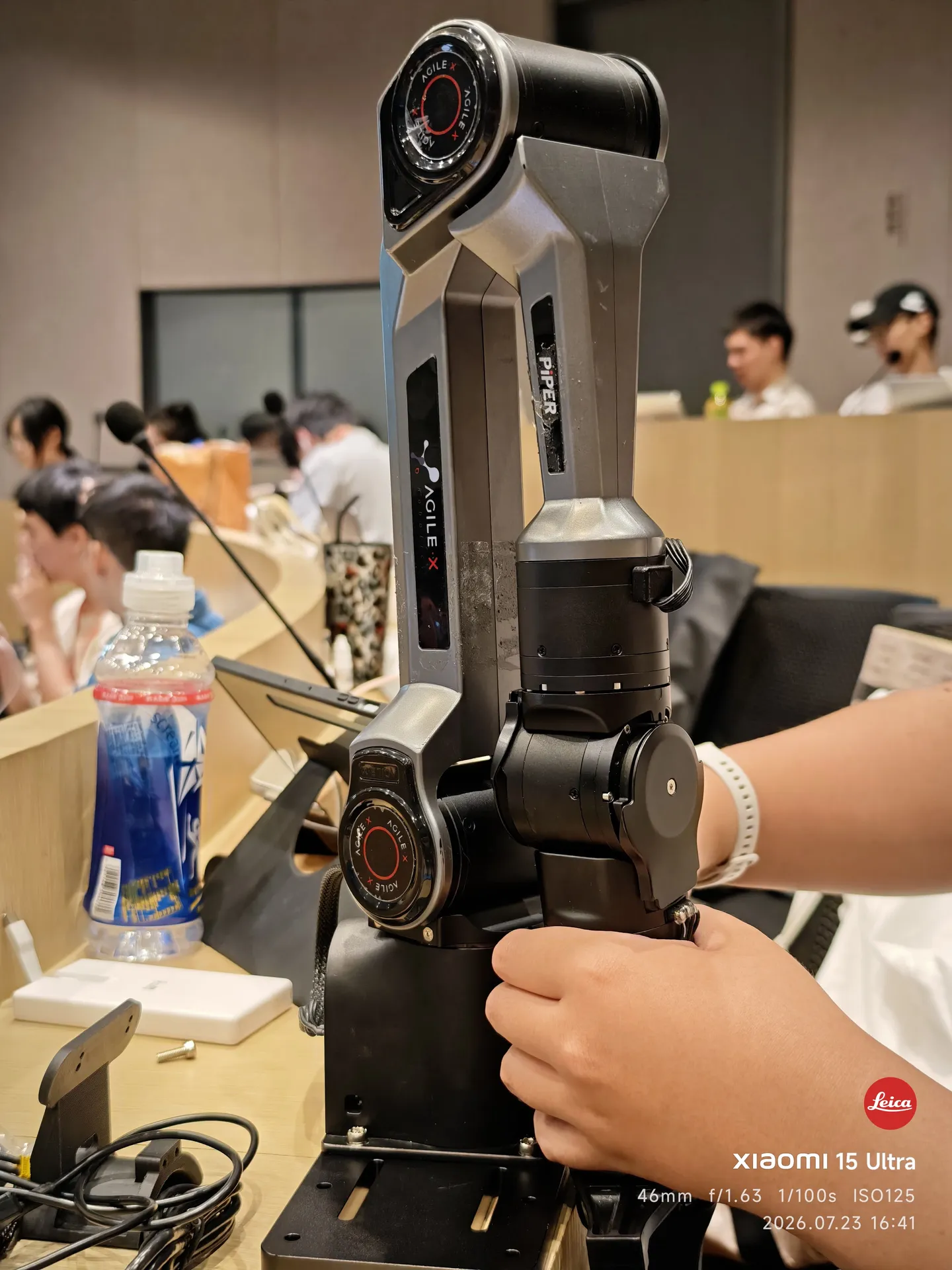
松灵 AgileX PiPER 机械臂立在桌面上
第一个 Idea:桌面整理机器人

第一个 Idea 是桌面整理机器人,机械臂硬件是向松灵机器人的老师借的。虽然后面 pass 掉了,但还是很感谢松灵的老师。

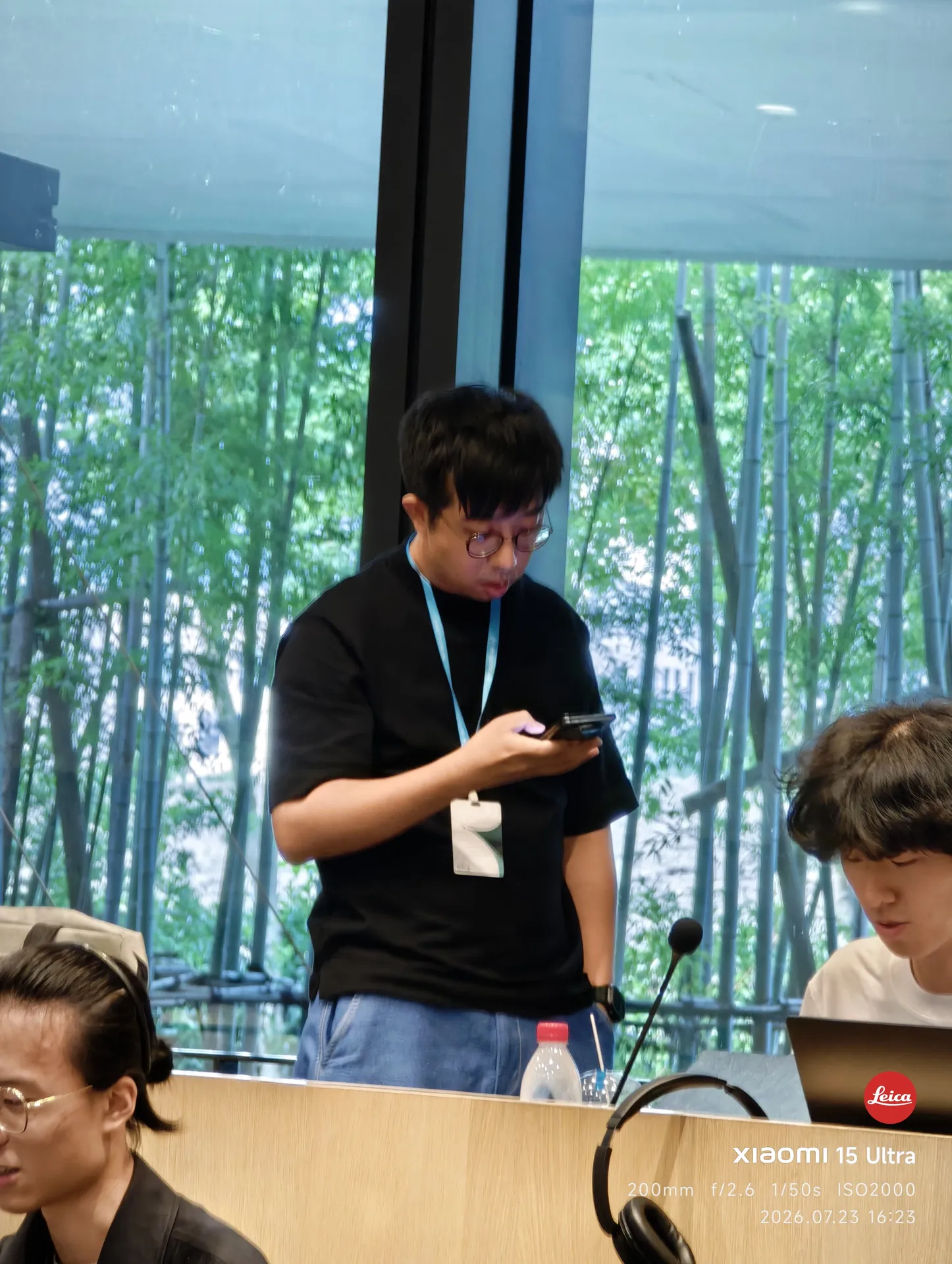
Terminal F 现场偶遇的林亦老师
Terminal F 偶遇林亦老师
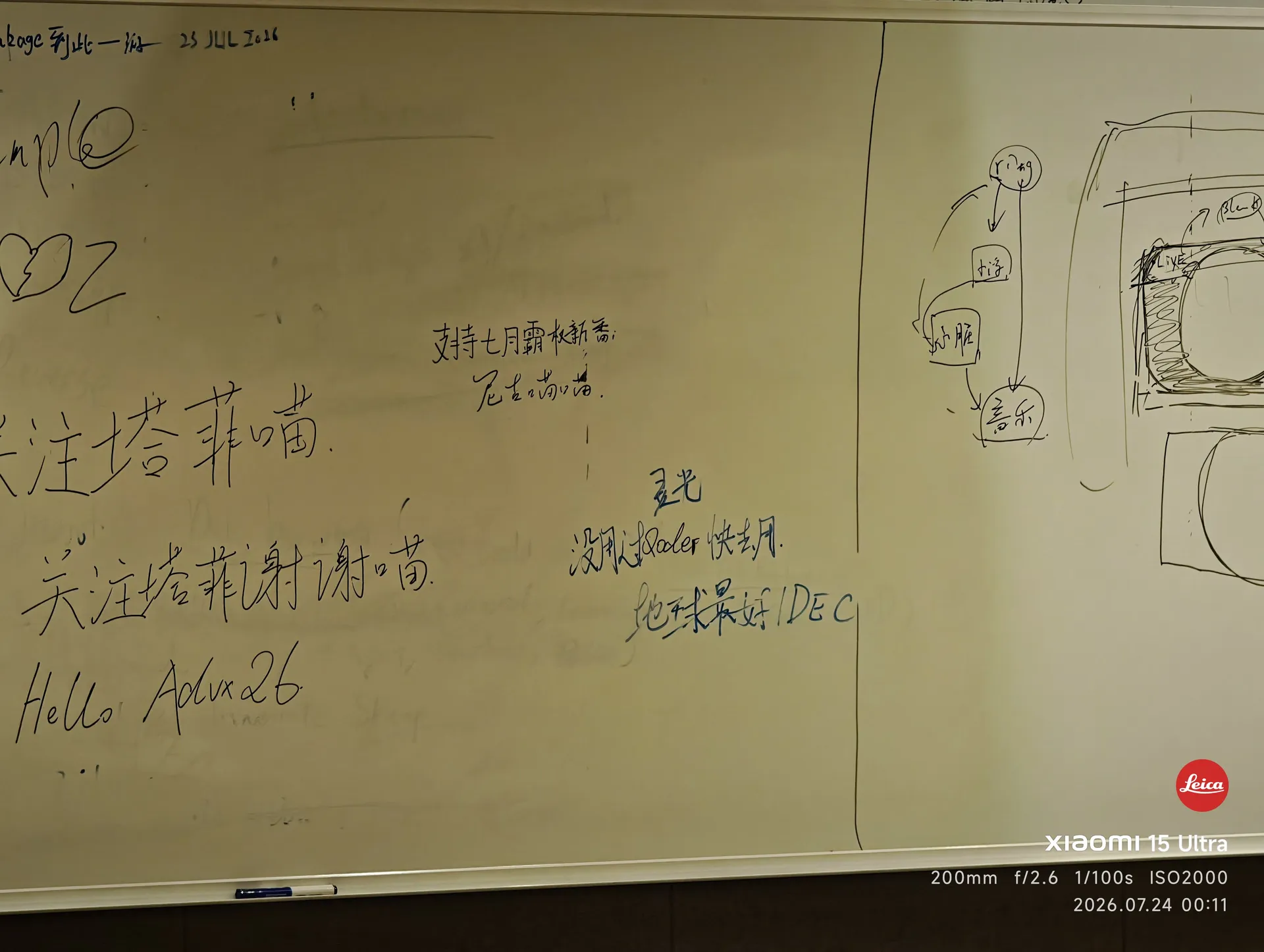
写满涂鸦和梗的白板
一些发疯
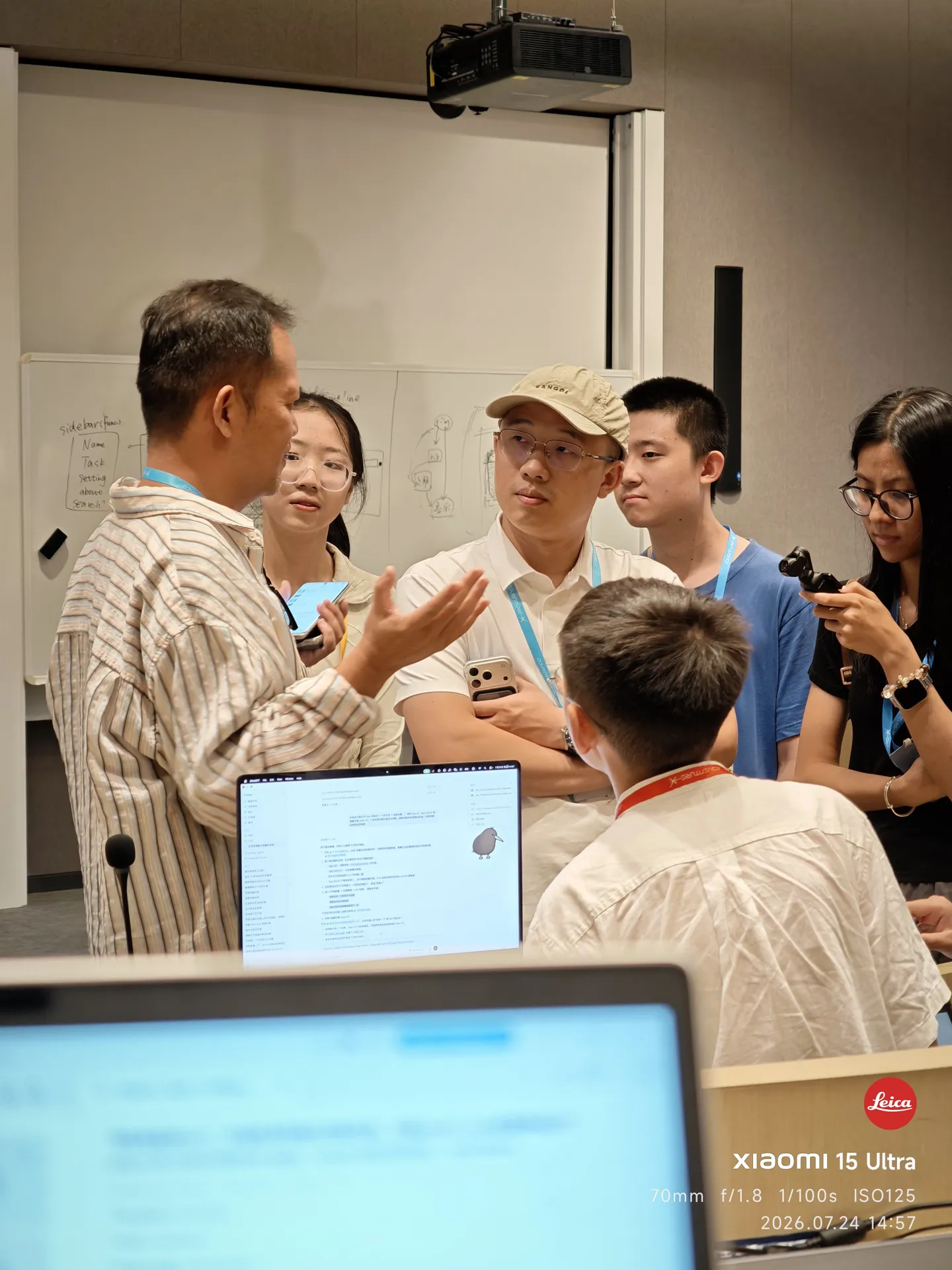
会场里一个正在接受采访的小朋友
一个正在接受采访的小朋友
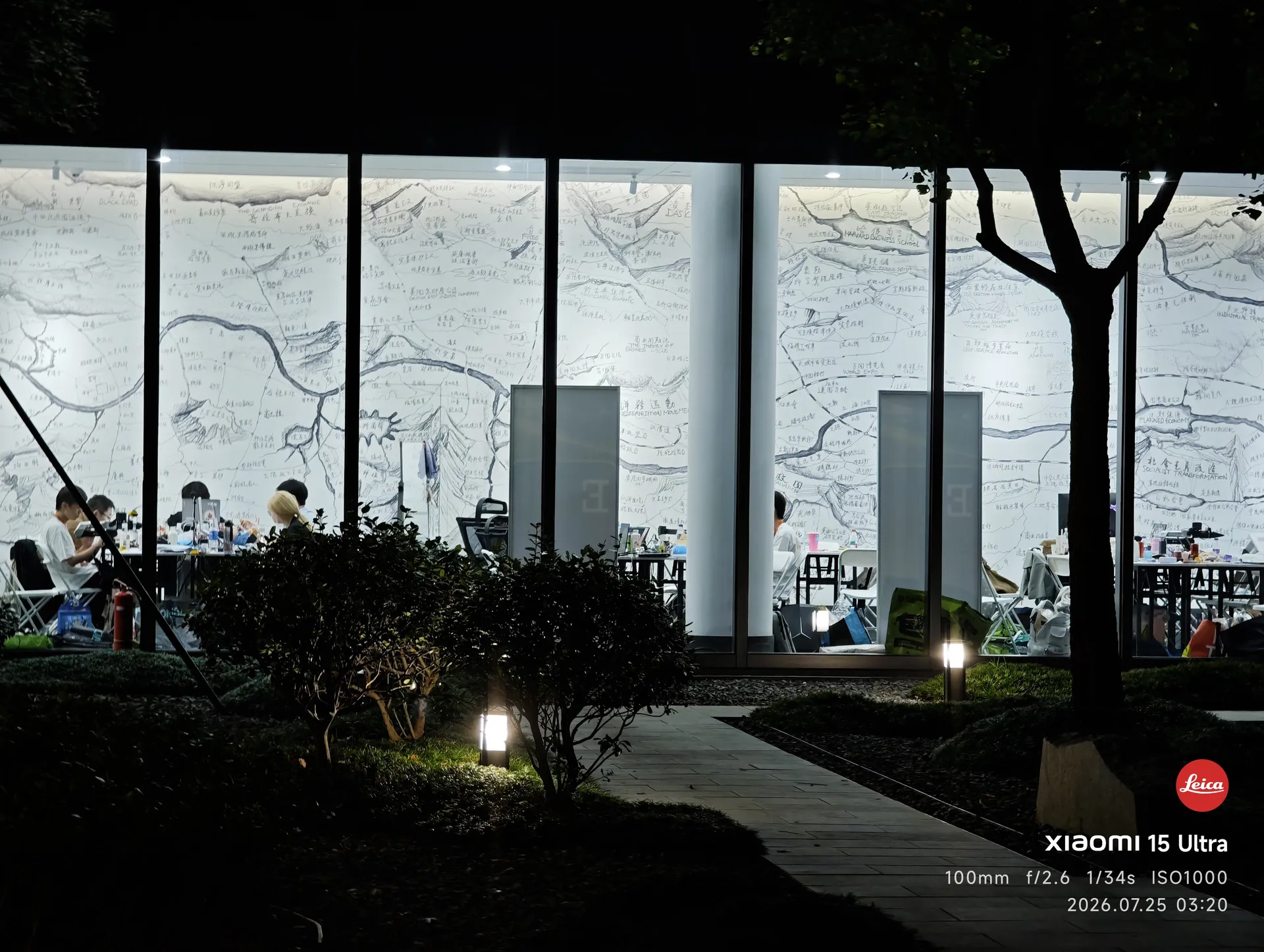
凌晨三点的湖畔创研中心:玻璃墙上是手绘的场馆地图,屋里还亮着灯,有人还在写代码
凌晨还在 build 的参赛选手
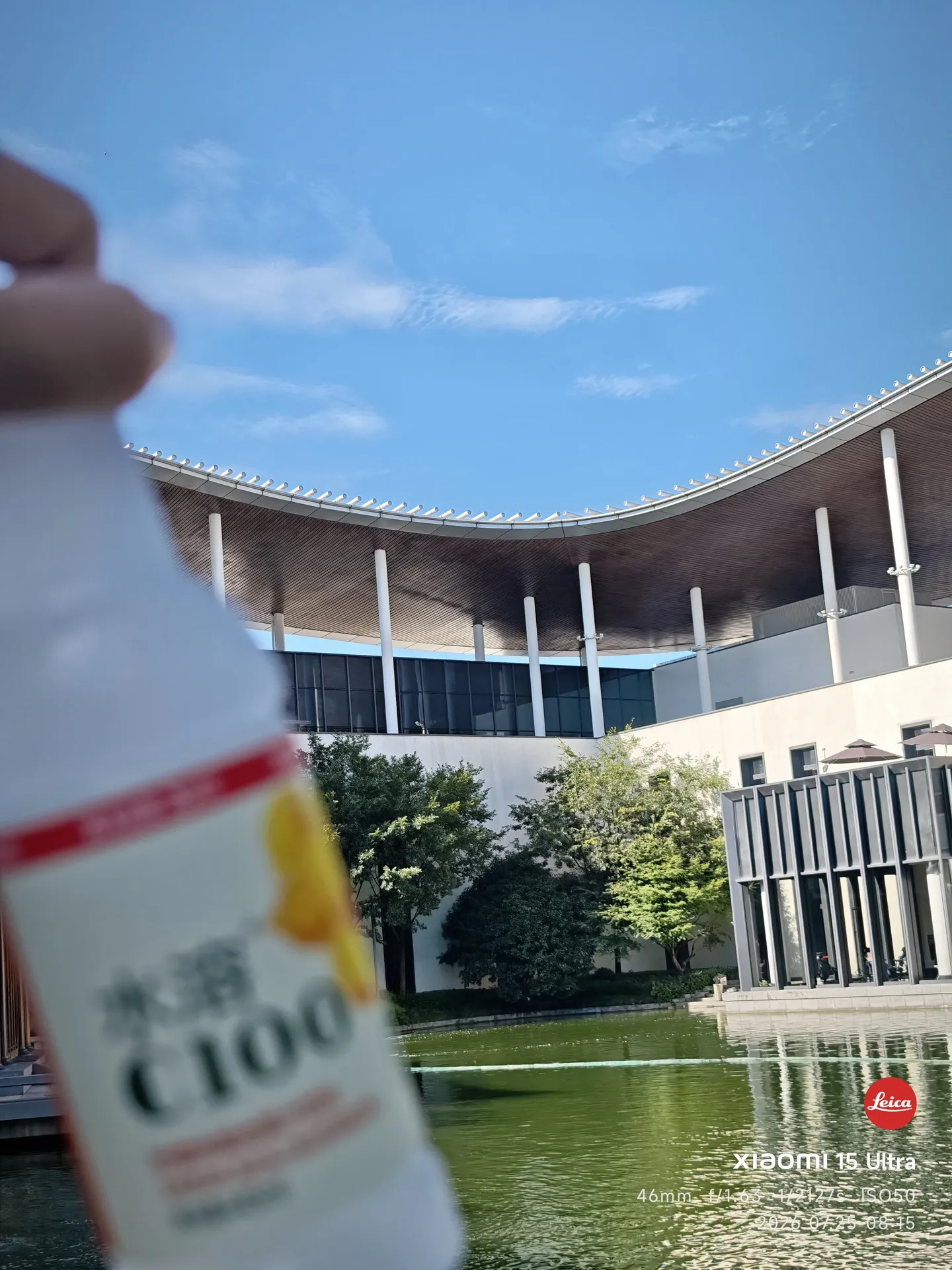
熬夜后的清晨,桌上摆着一瓶外星人电解质水,背后是湖畔的弧形屋顶和蓝天
熬穿了,不知不觉

23–25 日间拍的照片没多少,沉浸在了某种氛围当中,无暇顾及。

那就快进到 Expo 吧。

7.26 · Expo 与闭幕

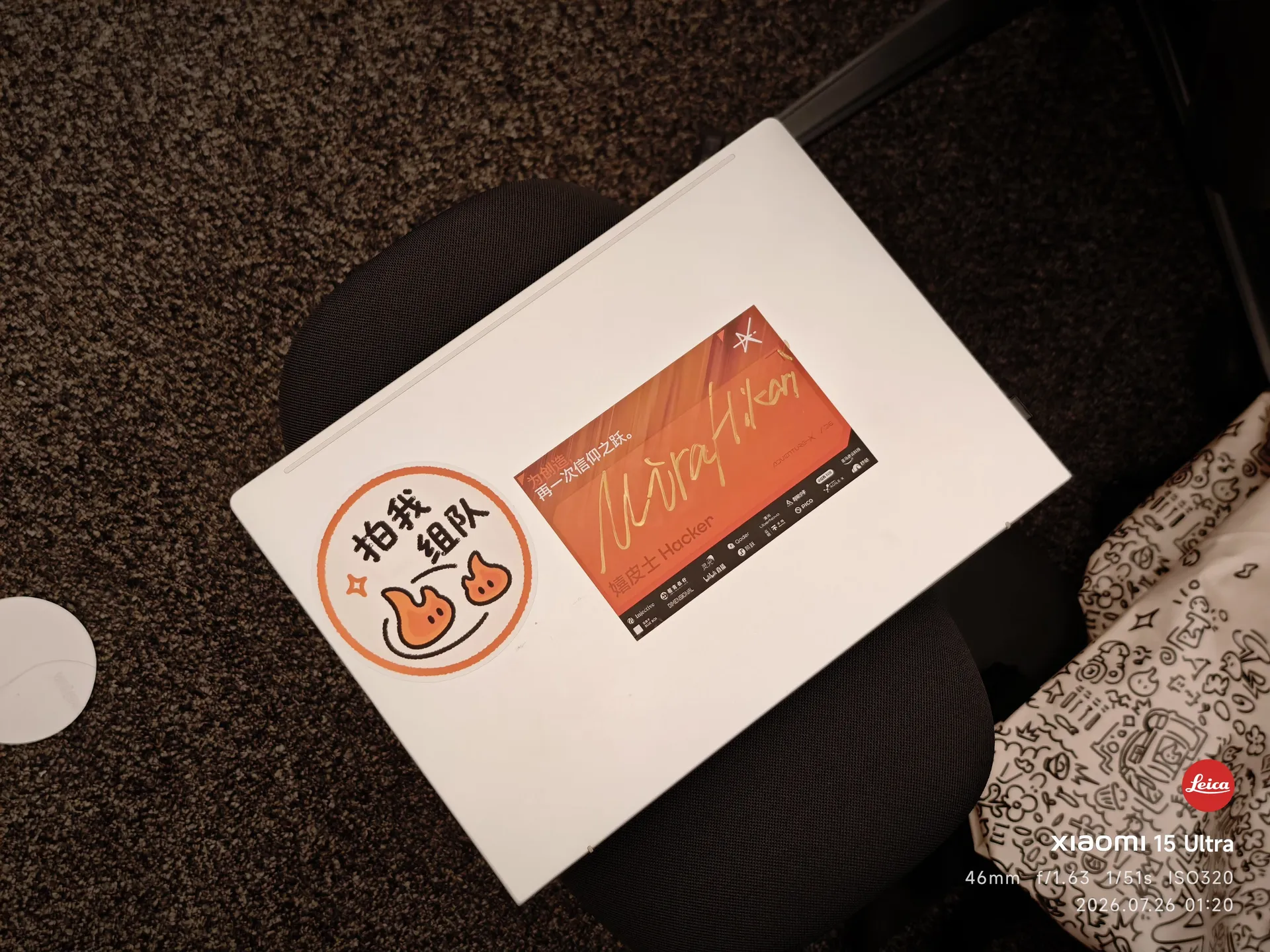
我的电脑,屏幕亮着「再一次信仰之跃」,机身贴着「拍我组队」贴纸
PC
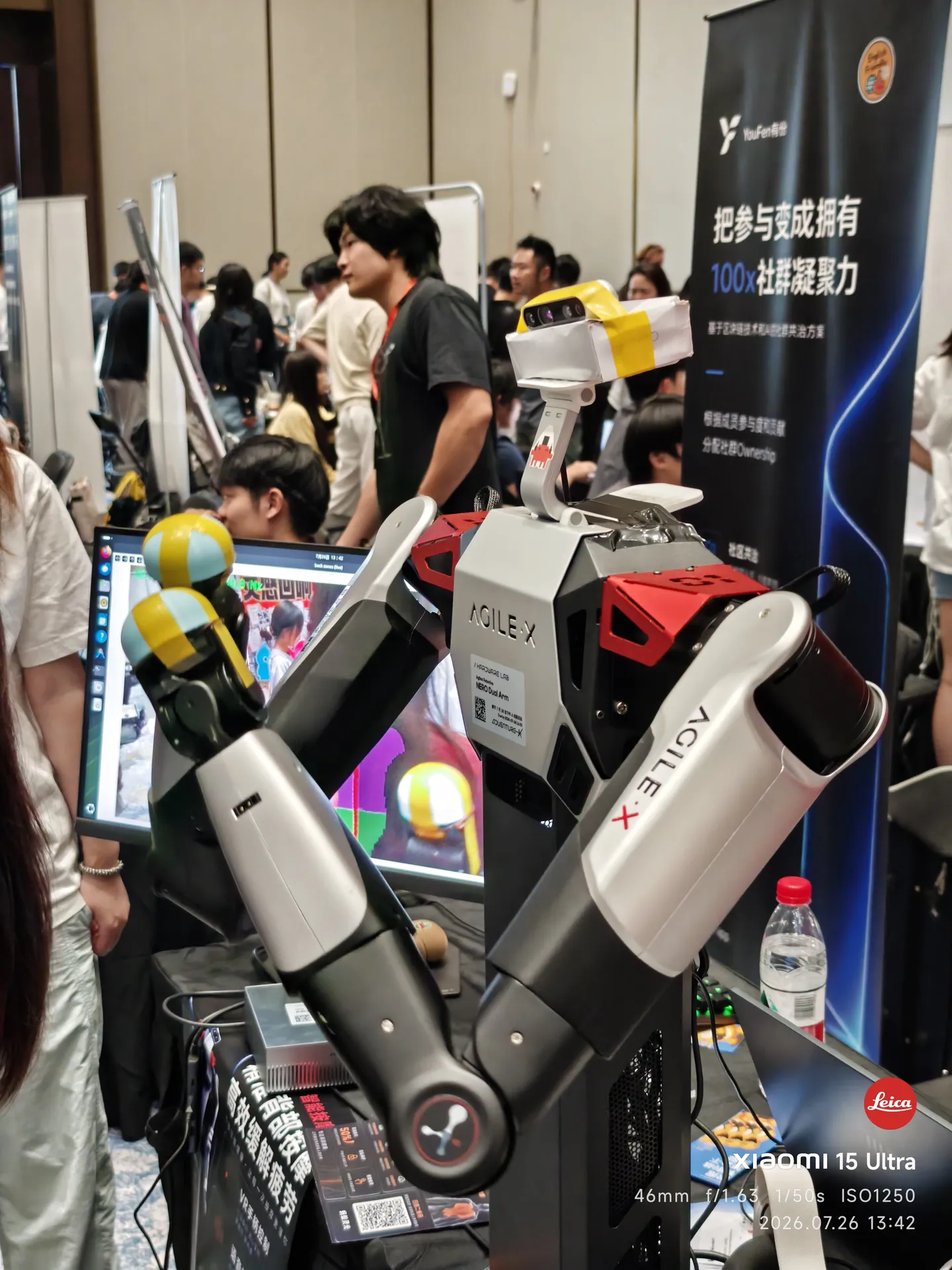
Expo 上的按摩机器人:双机械臂正在给体验者按摩
按摩机器人,很有意思的作品

再快进到闭幕式吧。

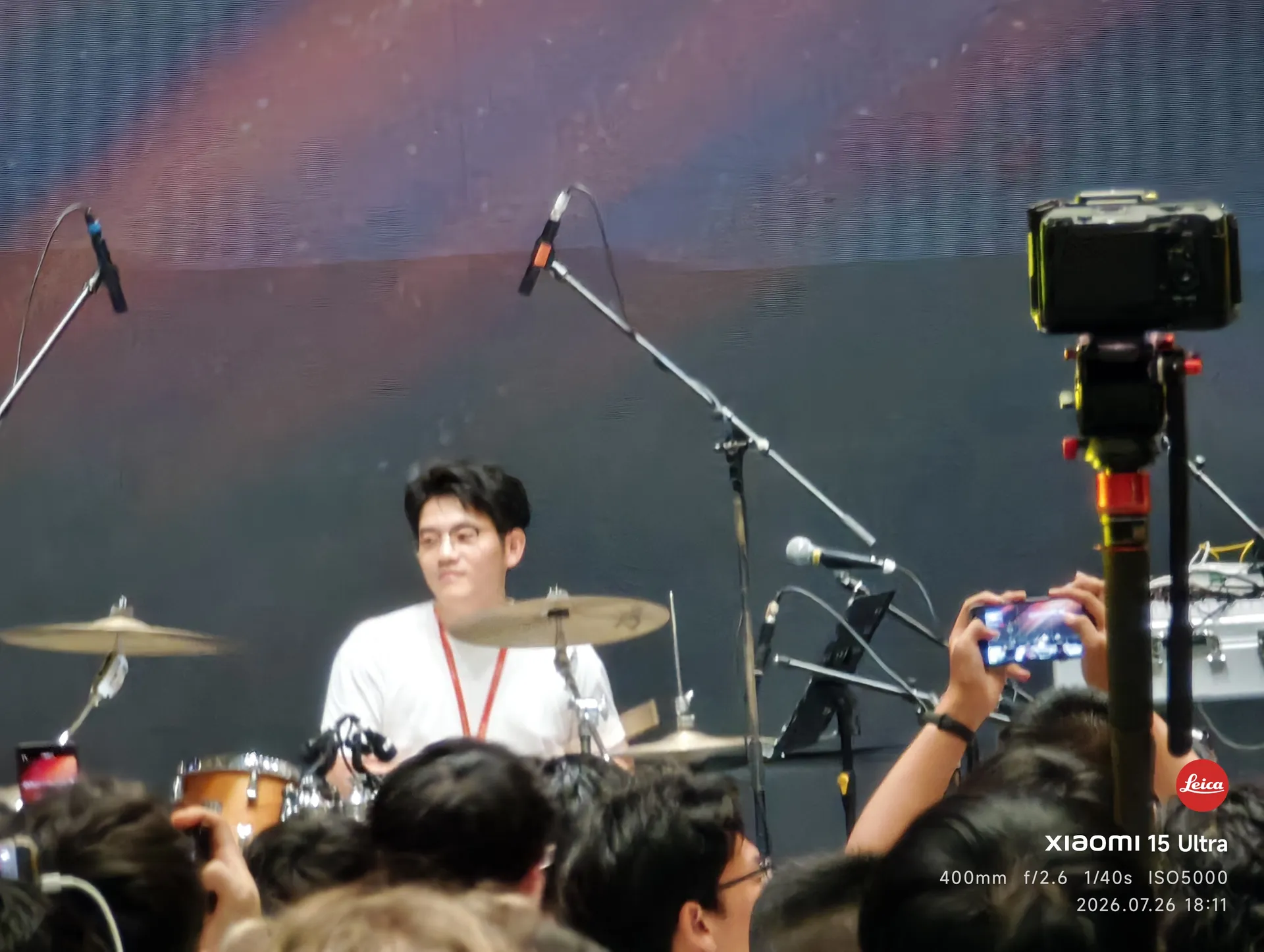
闭幕式舞台上打鼓的嘉宾
热心嘉宾演奏
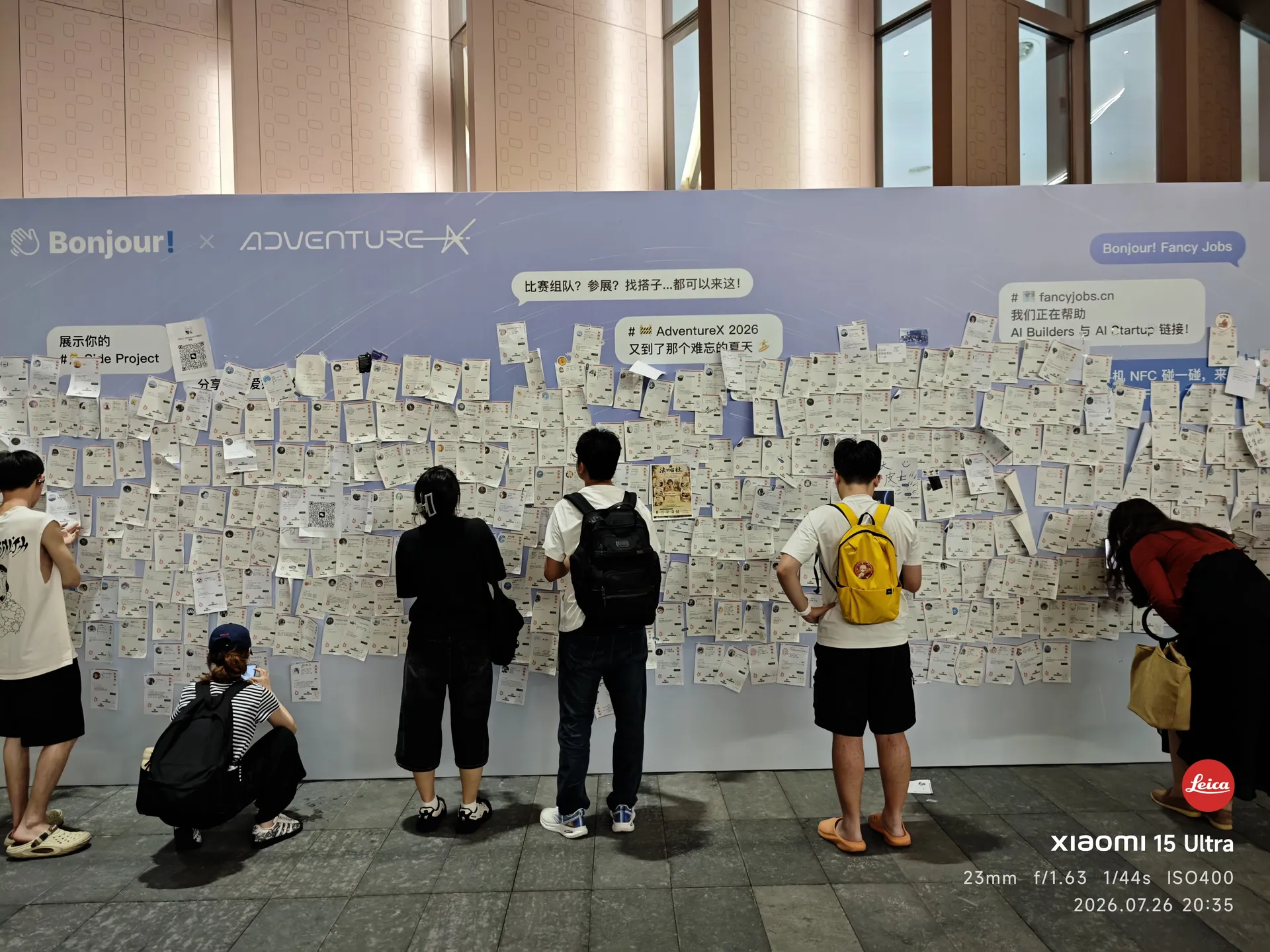
Bonjour × AdventureX 的招聘墙前还有人驻足
走之前 · 招聘墙
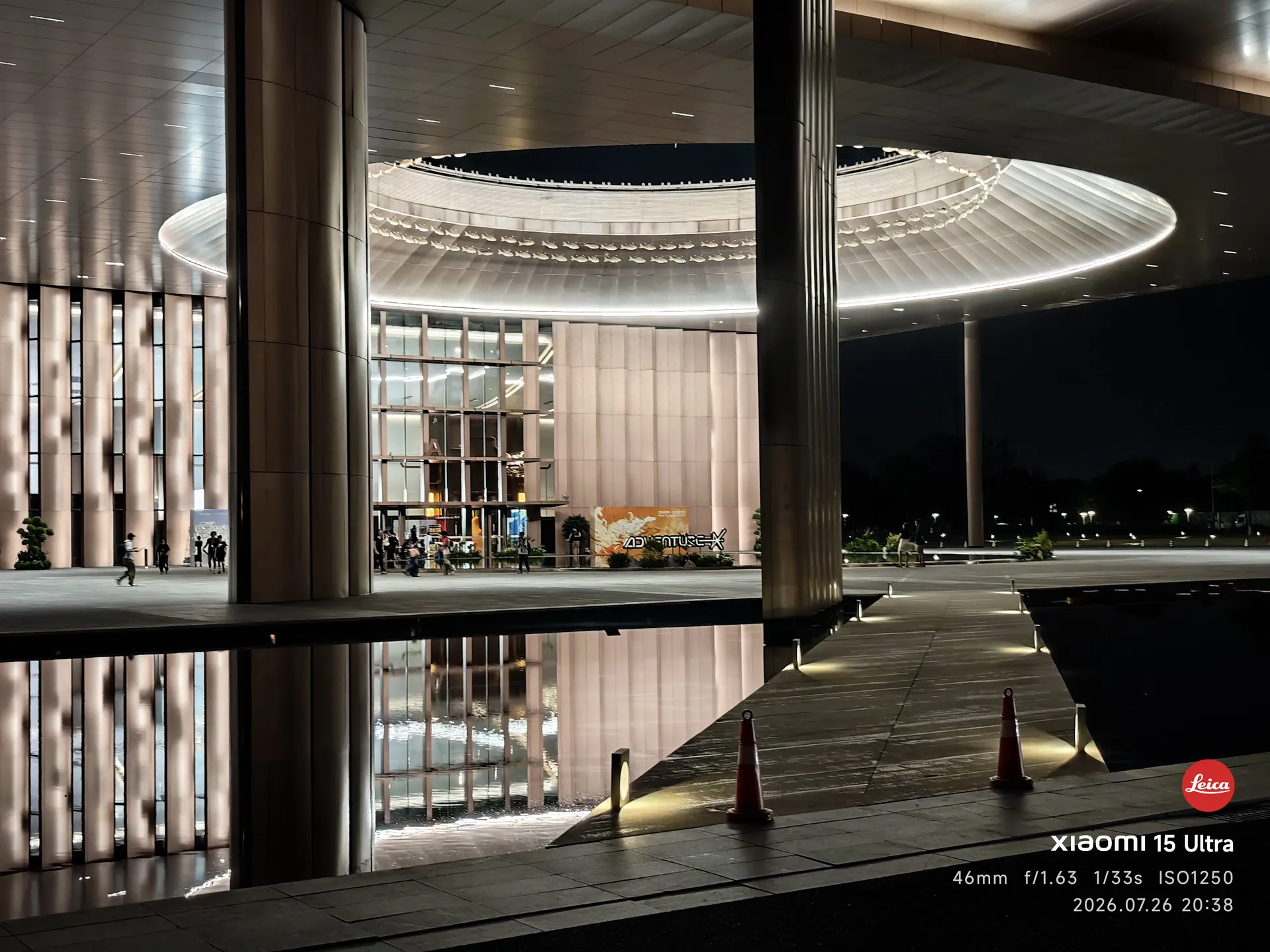
夜里的湖畔创研中心,环形屋顶亮着一圈光,倒映在水面上
走之前 · 湖畔的夜
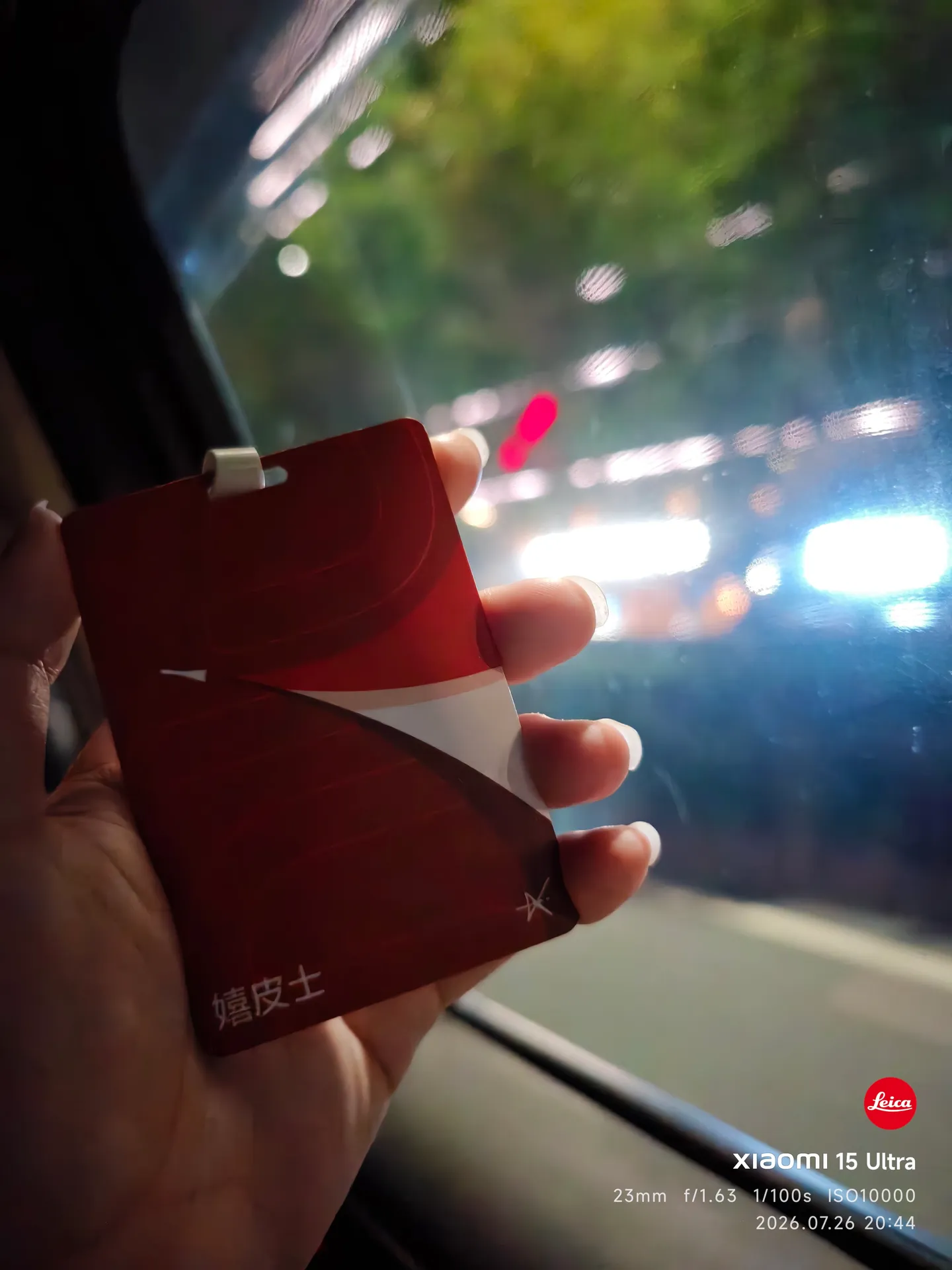
车里,手里握着 AdventureX 的嬉皮士徽章
再会,ADVX 26

尾声

好吧,如你所见,我真的不咋会写博文,没啥文学表达。但这些照片可以让你看到我的 Advx 26。

其实在我看来,Advx 26 是相对失败的:很多混乱,很多没有准备好的事情,没日没夜的创造让人身心俱疲。

明年再见吧杭州,还有 AdventureX 2027。

of 1

Jump To

Reading Options

Find in Book

    Text Note

    Book Properties

    Title
    我来,我见,我征服——AdventureX 2026 杭州行
    Body text
    —
    Est. reading
    —
    Author
    MiraHikari
    Published
    2026-08-01
    Updated
    2026-10-10
    Category
    Essay
    Version
    1.1.0
    Tags
    随笔, 旅行, AdventureX, 杭州
    Authorship
    AI-assisted

    Estimates assume 200 words or400 CJK characters per minute. Images are not timed. Remaining time uses the current position, not measured reading activity.

    Revision history
    • 1.1.0 ·

      将图片查看说明更新为 MHK10 的 ACDSee 入口,并纠正摘要的照片数量;旅行叙述、44 张照片、图注与拍摄时间保留。

    • 1.0.0 ·

      发布首版

    MHK10 Reader Help

    Open a title in Library to read it. Contents lists its chapters. Reading Options changes text size, spacing and page or scroll layout.

    Page Up / Page Down turn pages. Home / End go to the beginning or end. Select text, then choose Highlight or Note. Notebook keeps bookmarks and annotations separately from the book.

    Ctrl+K opens Jump To: search chapters, bookmarks, notes and Reader commands. Use Up / Down and Enter to choose, or Escape to return. Ctrl+F finds text; F3 / Shift+F3 move through matches. Ctrl+D bookmarks the current page. Ctrl+Plus / Ctrl+Minus zoom the text; Ctrl+0 restores 100%. Escape hides the side panel. F9 toggles Focus reading; Escape returns to the full controls.

    Reading progress, text rendering and reading options are saved locally. Discussion opens GitHub Discussions in a themed window that follows the current colour scheme. Privacy opens the Privacy article. Export notebook creates readable Markdown. Back up notebook creates a JSON file that Import notebook can merge with existing bookmarks and notes. Repeated imports skip duplicates; different notes are kept. Save notes as writes a text document through the desktop file service. Copy citation places a portable title, author and canonical link on the clipboard.

    Discussion

    Join the discussion

    Comments load from GitHub Discussions after this window opens.

    Public comments · Sign in with GitHub to join.Privacy

    Not openedDraft stays on this page